
Swagger for Confluence
Stop switching tabs. Embed and test Swagger API documentation live in Confluence for a seamless developer experience
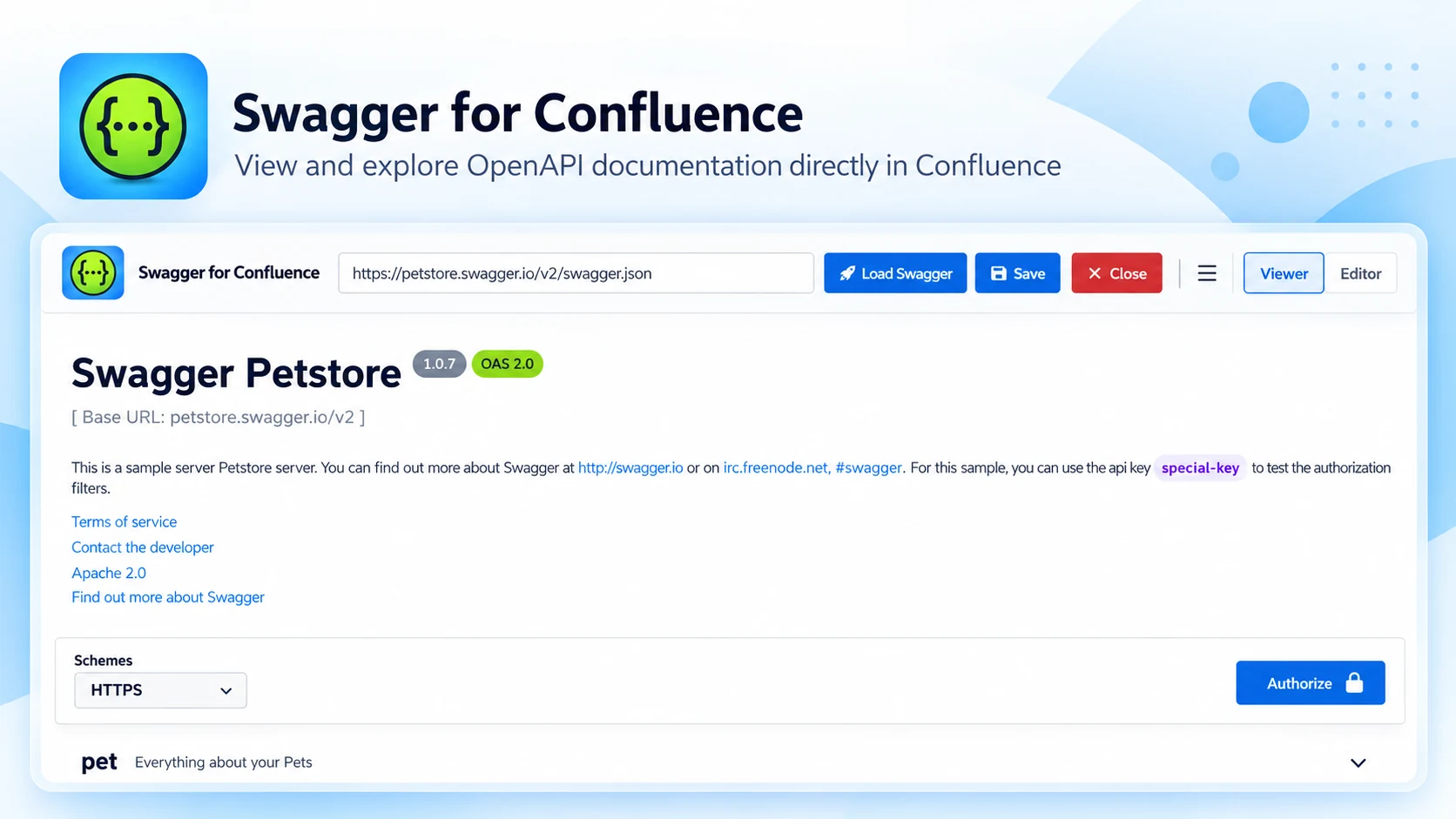
What Swagger API Documentation does
Embed interactive Swagger API docs directly in your Confluence pages, so teams can explore endpoints and request/response models — and test live calls — without leaving the wiki.
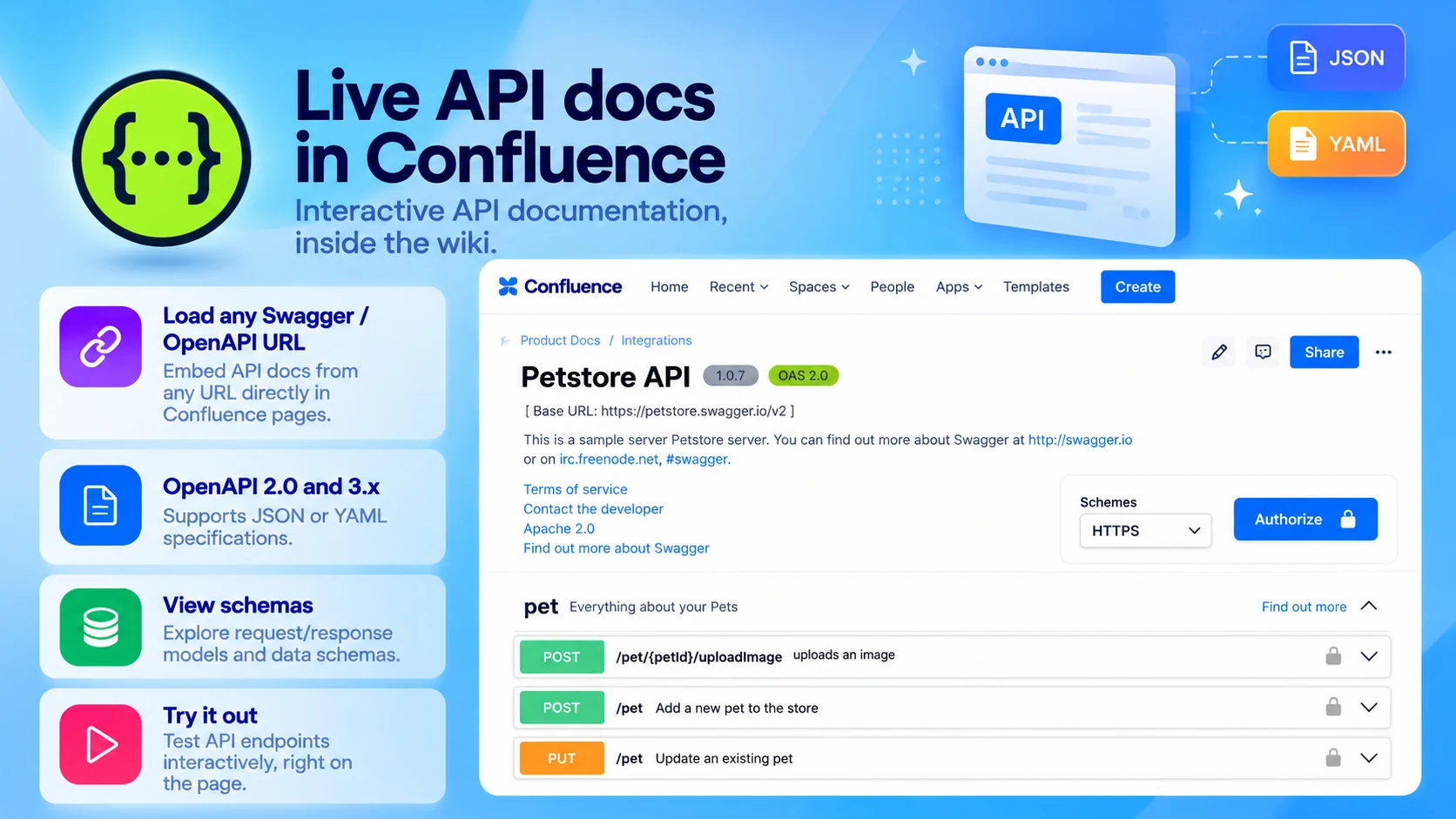
Live API docs in Confluence
Interactive API documentation, inside the wiki:
- Load any Swagger / OpenAPI URL
- OpenAPI 2.0 and 3.x, JSON or YAML
- View schemas and request/response models
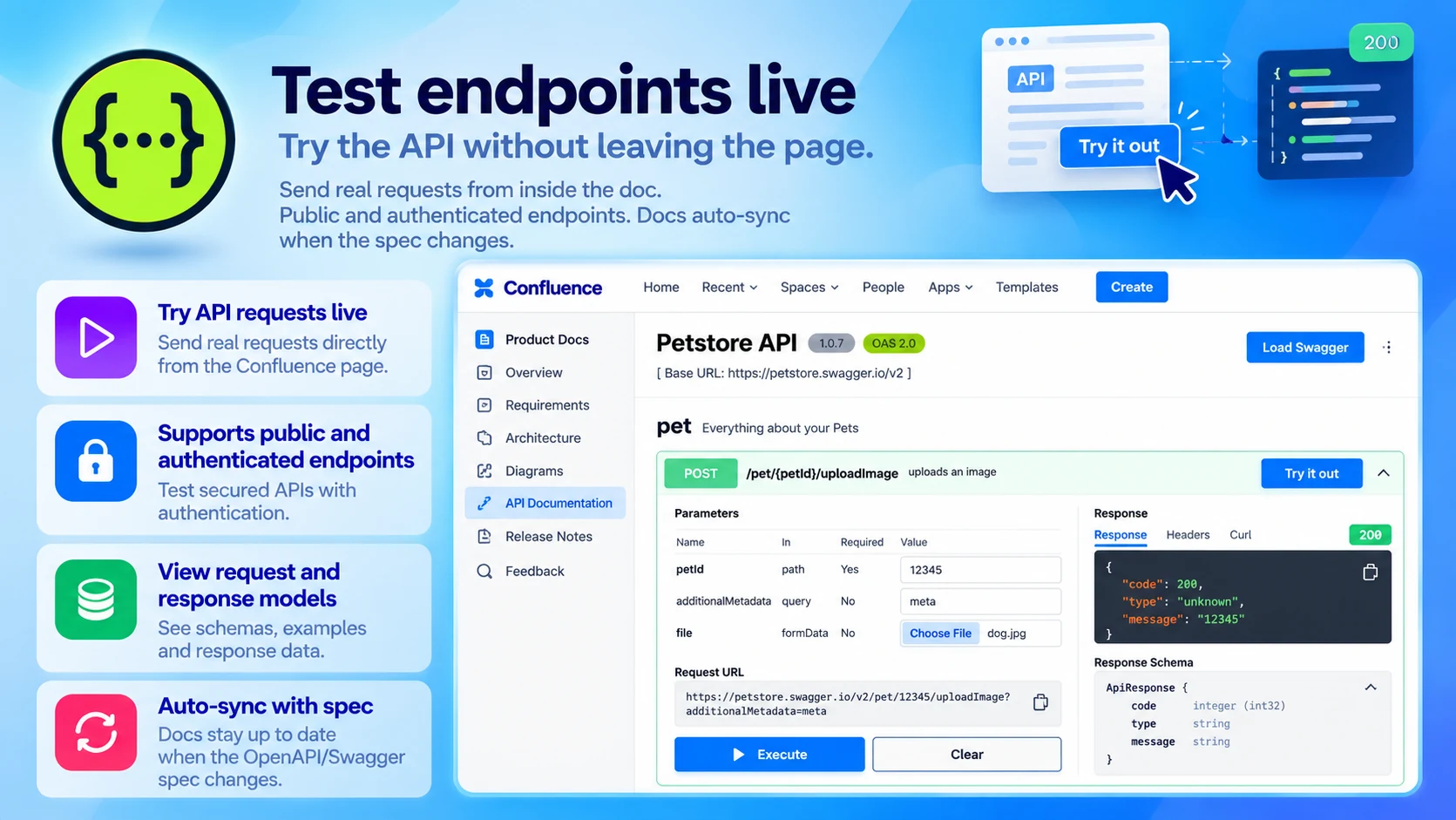
Test endpoints live
Try the API without leaving the page:
- Send real requests from inside the doc
- Public and authenticated endpoints
- Docs auto-sync when the spec changes
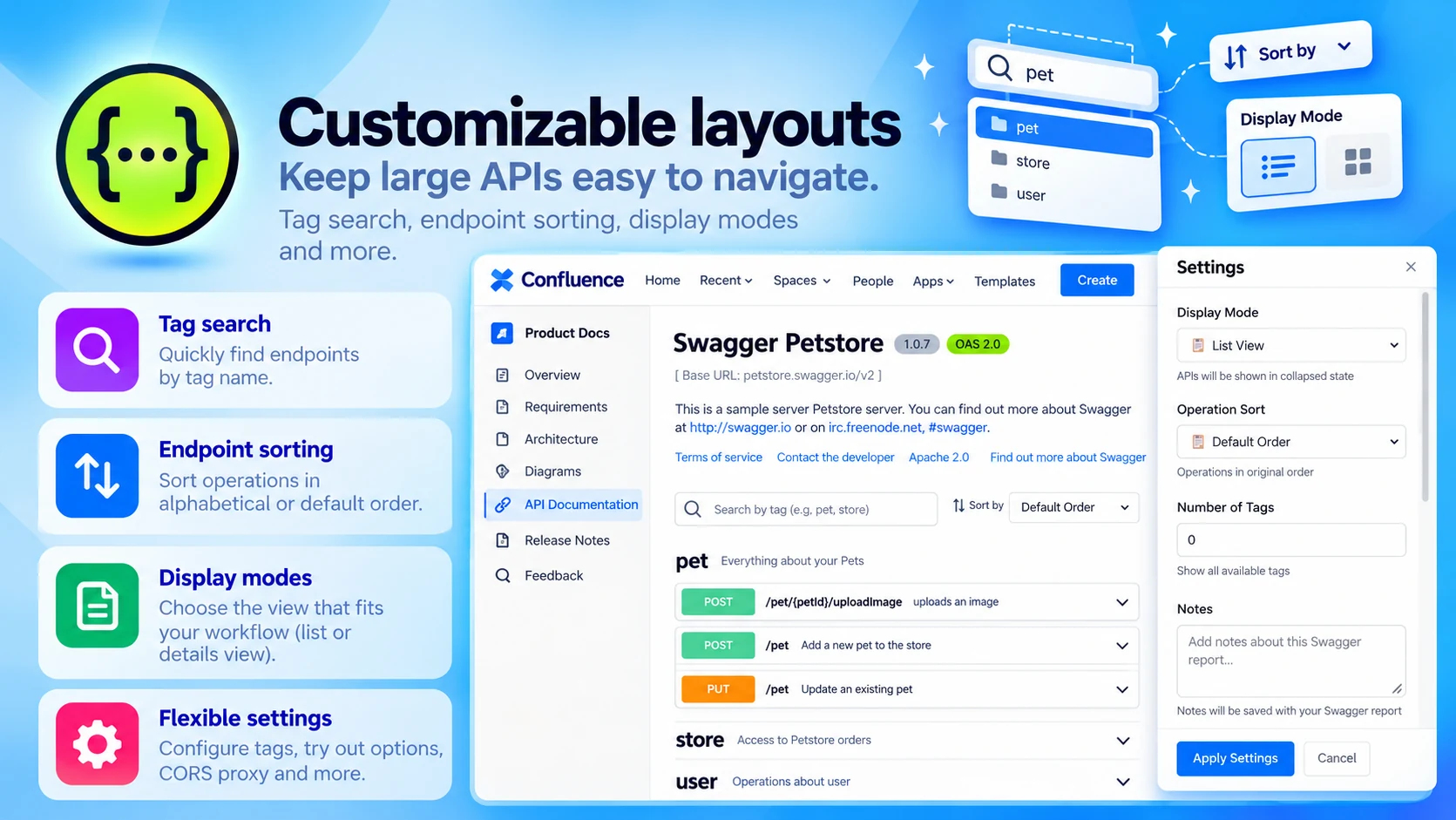
Customizable layouts
Keep large APIs easy to navigate:
- Tag search
- Endpoint sorting
- Display modes
Built for
- Developers exploring endpoints
- Teams publishing internal API references
- Support teams who need API clarity for faster resolutions
Up and running in three steps
Swagger API Documentation installs from the Atlassian Marketplace like any other app — nothing to host, nothing to maintain.
- 01
Get it from the Marketplace
Install it on your Confluence Cloud site from its Atlassian Marketplace listing. It's a free app — no licence, no trial clock, no servers to run.
- 02
Add the macro, link your spec
Insert the Swagger macro on a page and link your JSON or YAML spec URL.
- 03
Explore and test live
Readers browse endpoints and models and send live requests — and the docs update when the spec changes.
