
SLA Dashboard for Jira
Real-Time SLA Dashboard Gadget for Jira & Jira Service Management
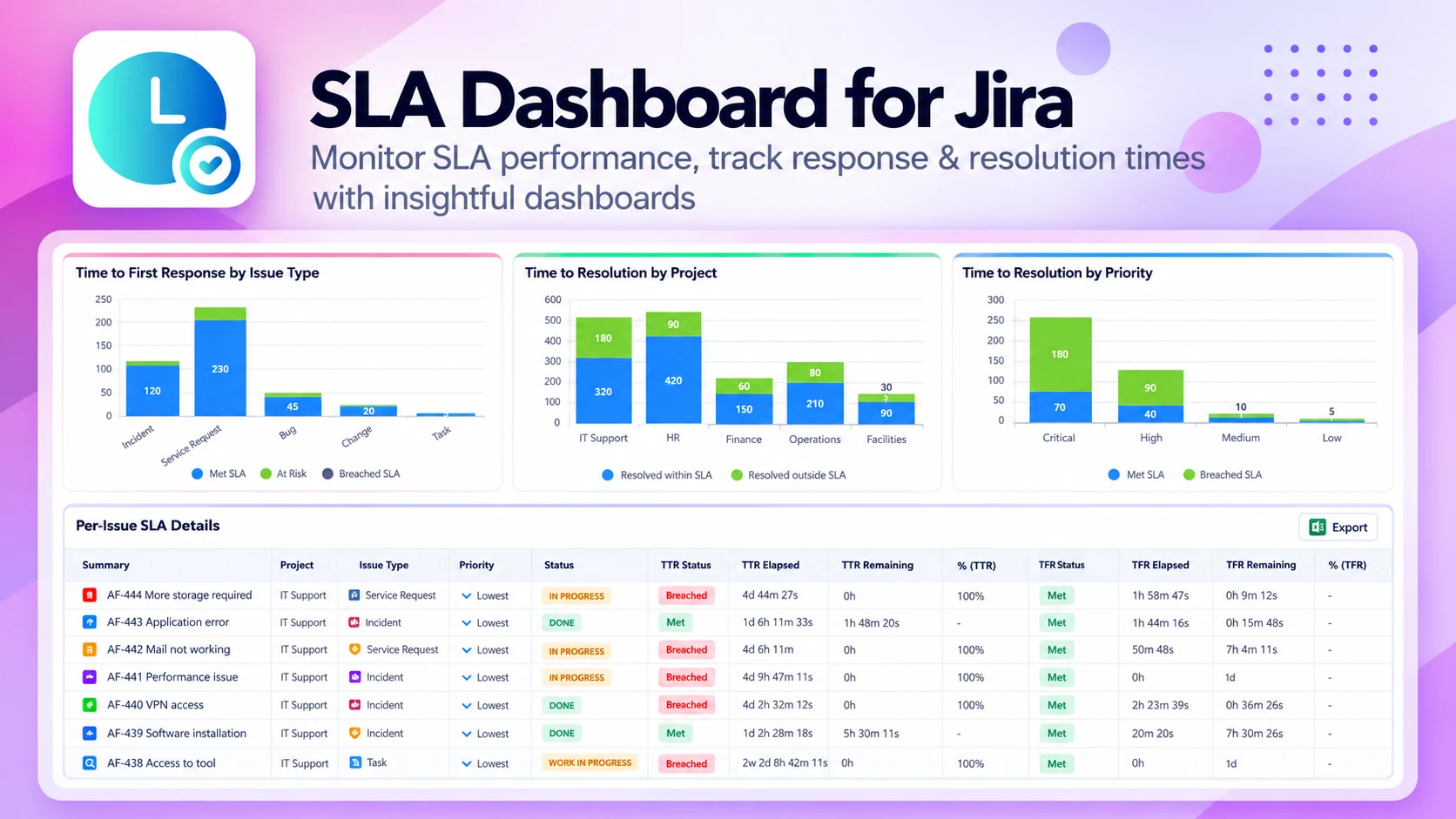
What SLA Dashboard does
Track, manage and act on SLA metrics from your Jira dashboards. Built for Jira Service Management and Jira Software, it shows response and resolution times live and spots breaches before they reach customers.
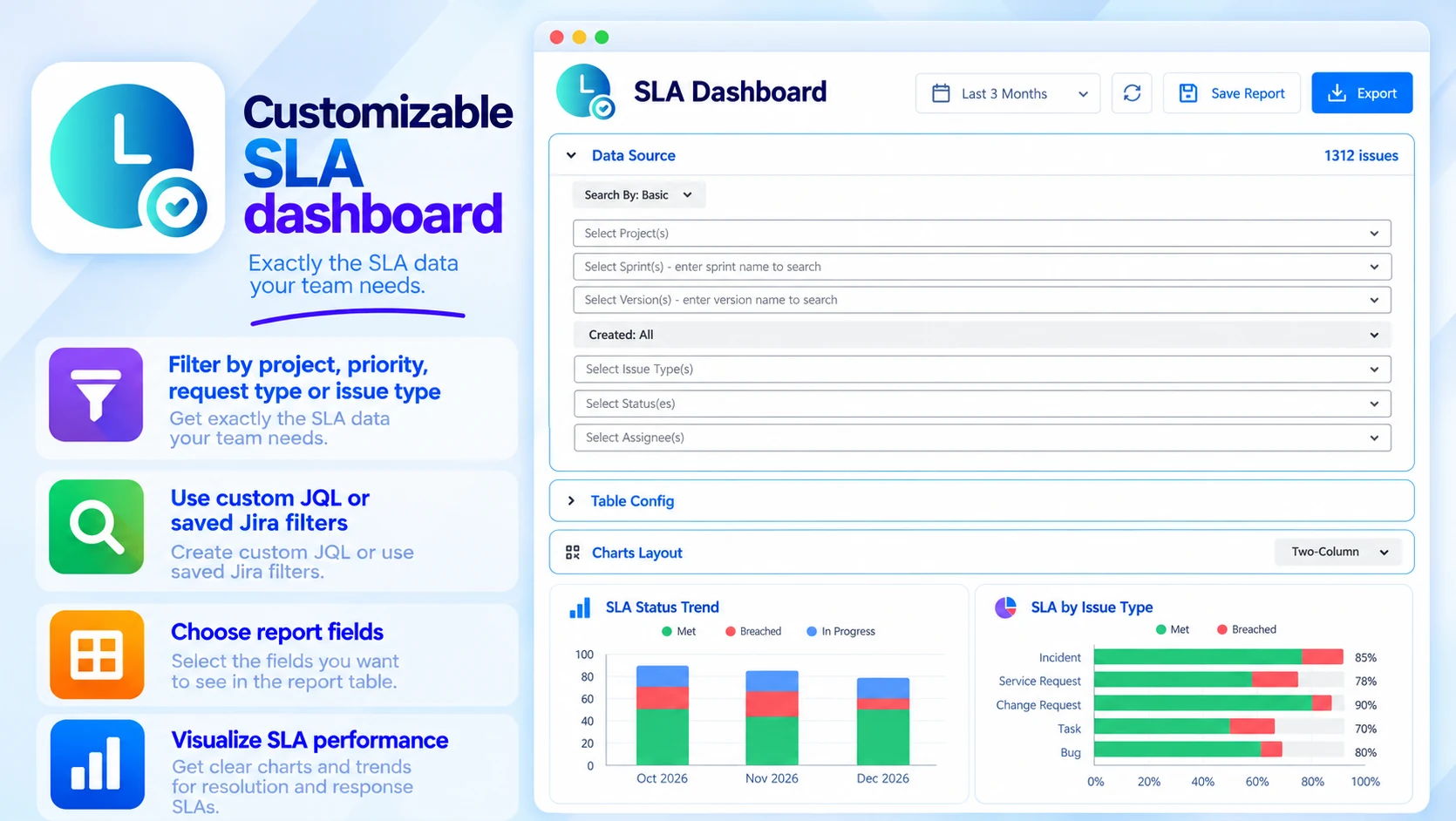
Customizable SLA dashboard
Exactly the SLA data your team needs:
- Filter by project, priority, request type or issue type
- Custom JQL or saved Jira filters
- Choose the fields in the report table
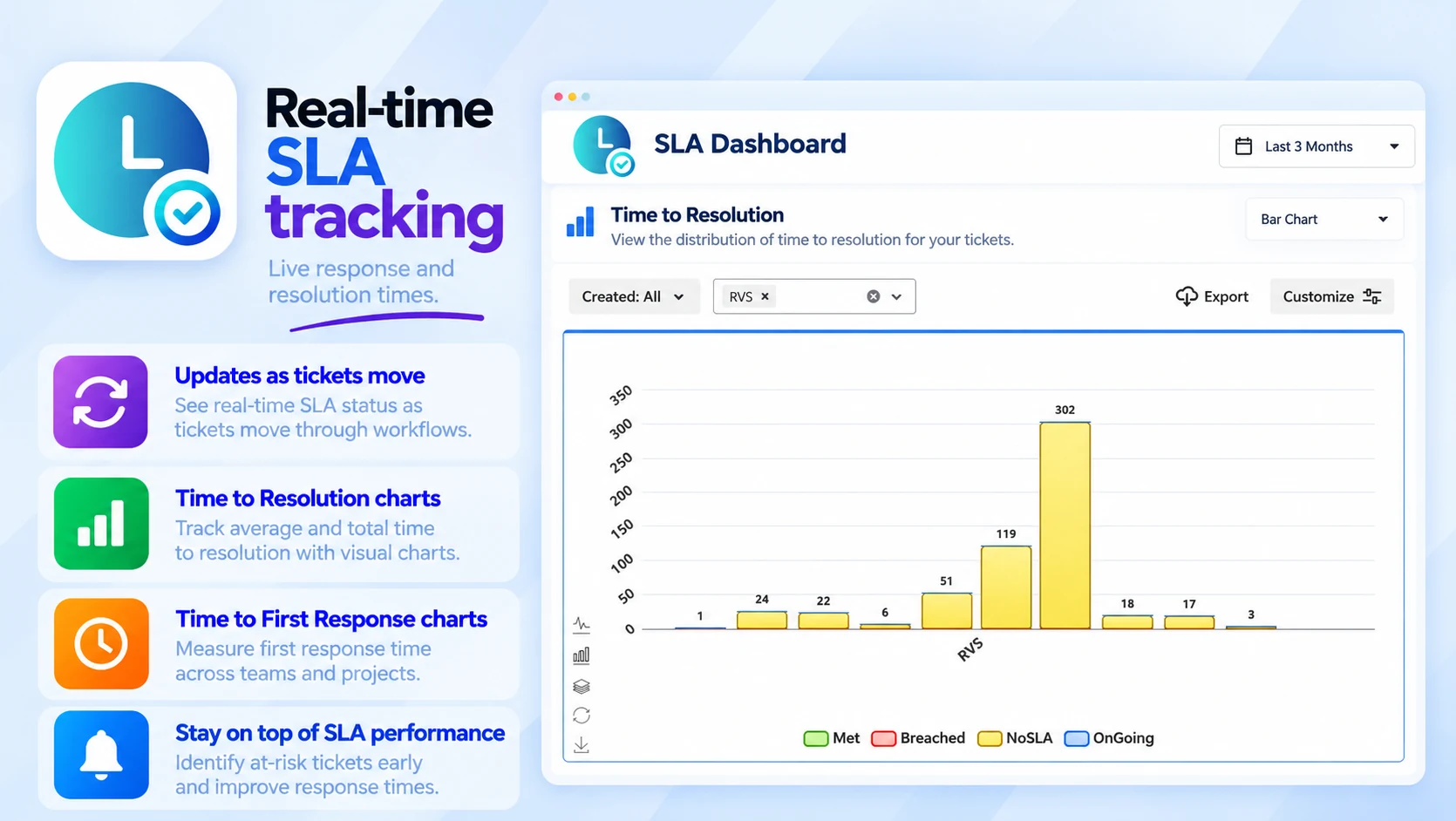
Real-time SLA tracking
Live response and resolution times:
- Updates as tickets move
- Time to Resolution charts
- Time to First Response charts
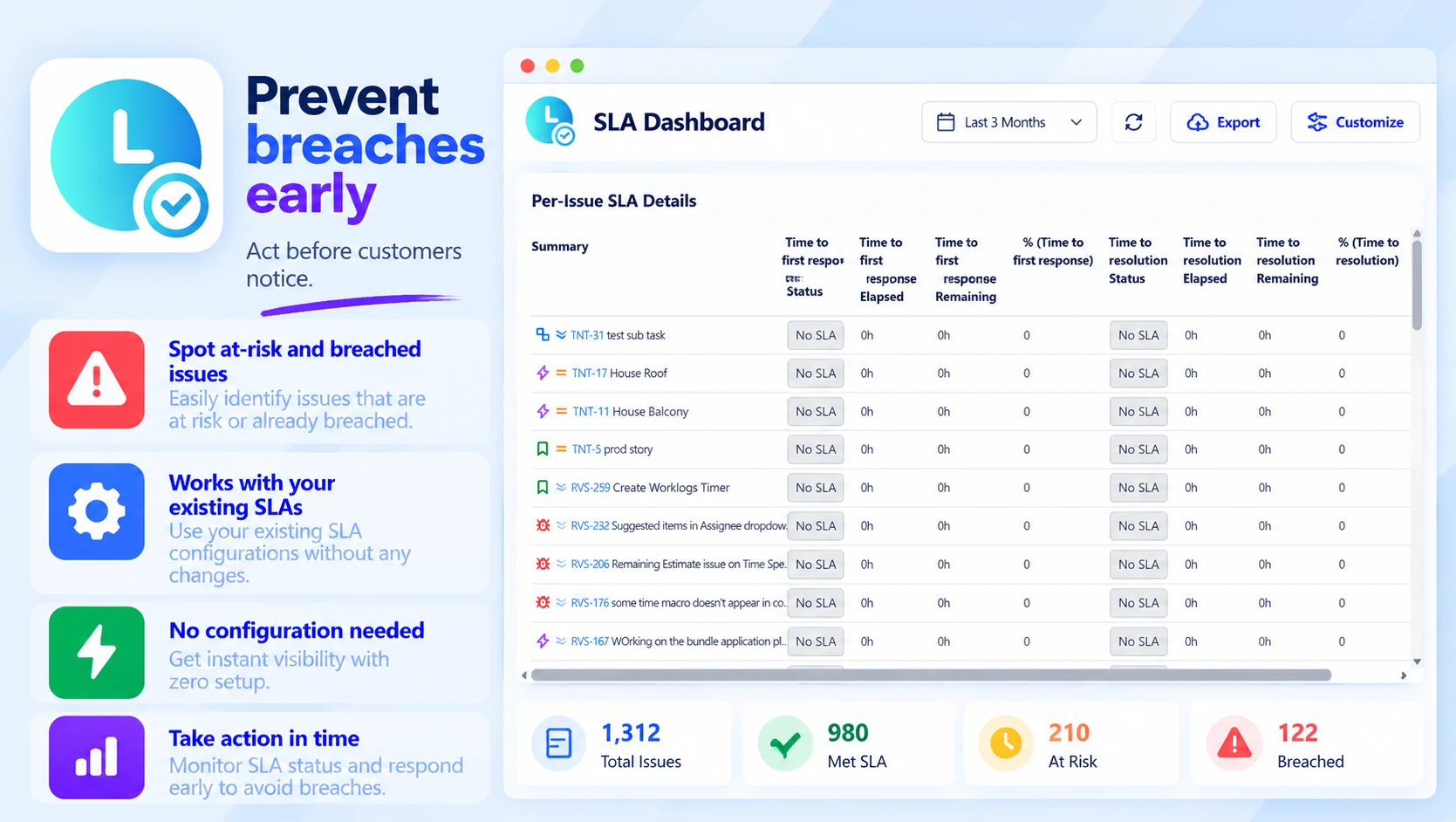
Prevent breaches early
Act before customers notice:
- Spot at-risk and breached issues
- Works with your existing SLAs
- No configuration needed
Built for
- Service desks
- Support and operations teams
- Internal and customer-facing SLA reporting
Up and running in three steps
SLA Dashboard installs from the Atlassian Marketplace like any other app — nothing to host, nothing to maintain.
- 01
Get it from the Marketplace
Install it on your Jira Cloud site from its Atlassian Marketplace listing. It's a free app — no licence, no trial clock, no servers to run.
- 02
Add the SLA gadget
Put the gadget on any Jira dashboard — it works with the SLAs you already have.
- 03
Filter and act
Filter by project, priority, request type, issue type or JQL, and act on at-risk issues before they breach.
