
Mermaid Diagrams & Charts for Confluence
Free Mermaid diagrams for Confluence. Type text or ask Rovo AI for flowcharts, sequence and ER diagrams, synced from Git
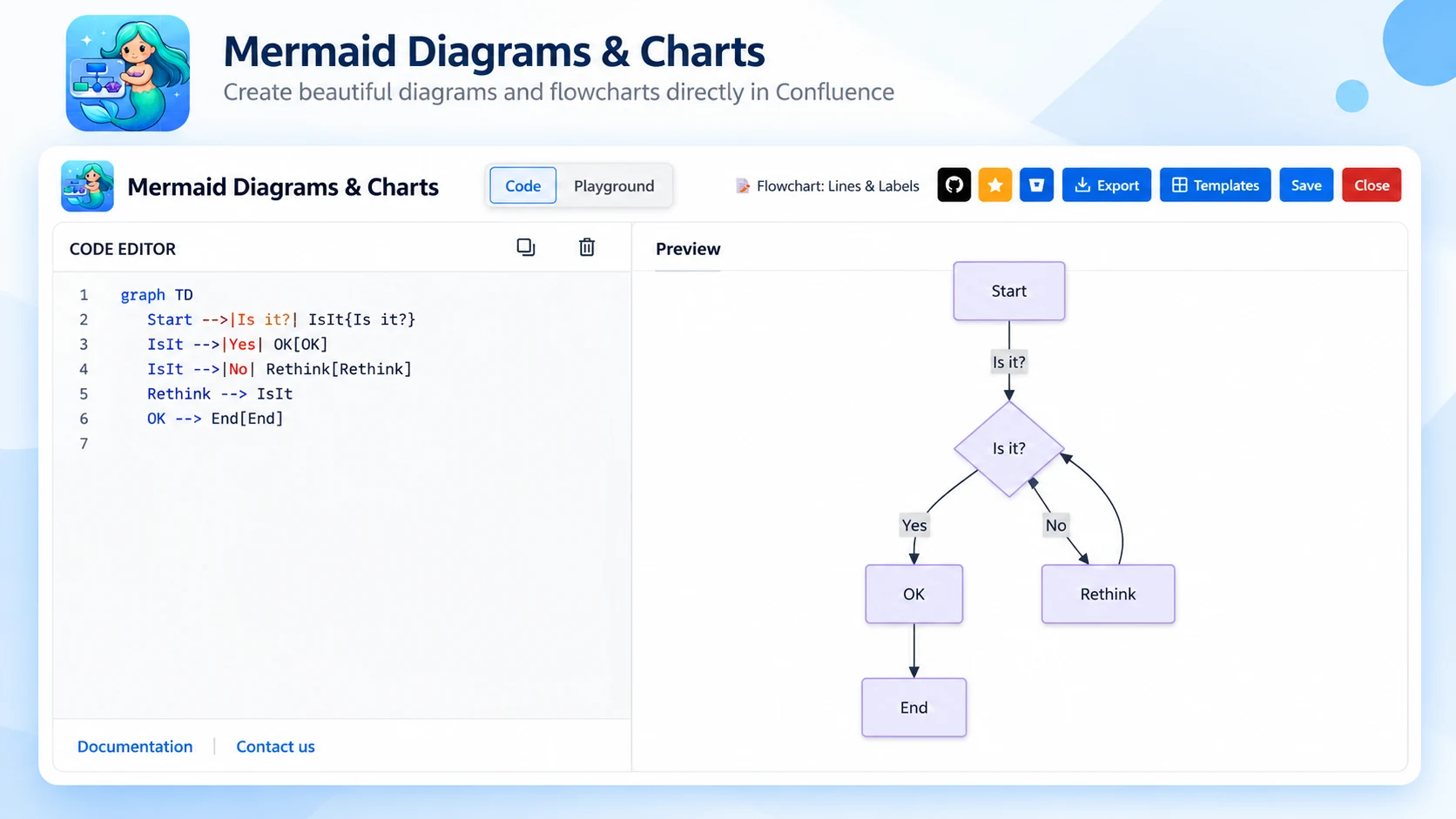
What Mermaid Diagrams & Charts does
Diagram-as-code for Confluence Cloud, free for teams of any size. Write Mermaid with a live preview, build visually in Playground mode, or describe a process and let Rovo draw it.
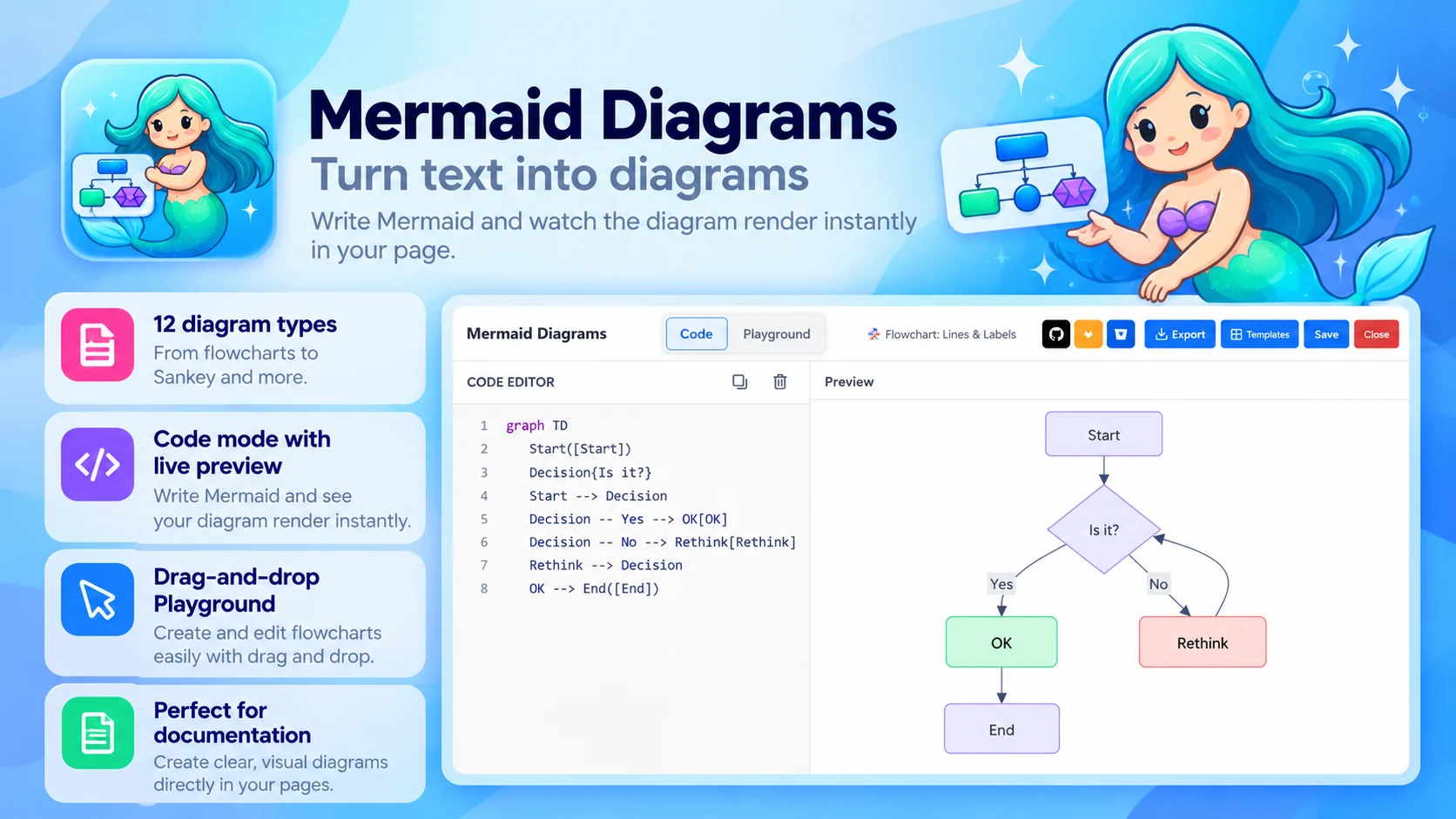
Turn text into diagrams
Write Mermaid and watch the diagram render:
- 12 diagram types, from flowcharts to Sankey
- Code mode with live preview
- Drag-and-drop Playground for flowcharts
- 15+ built-in templates to start fast
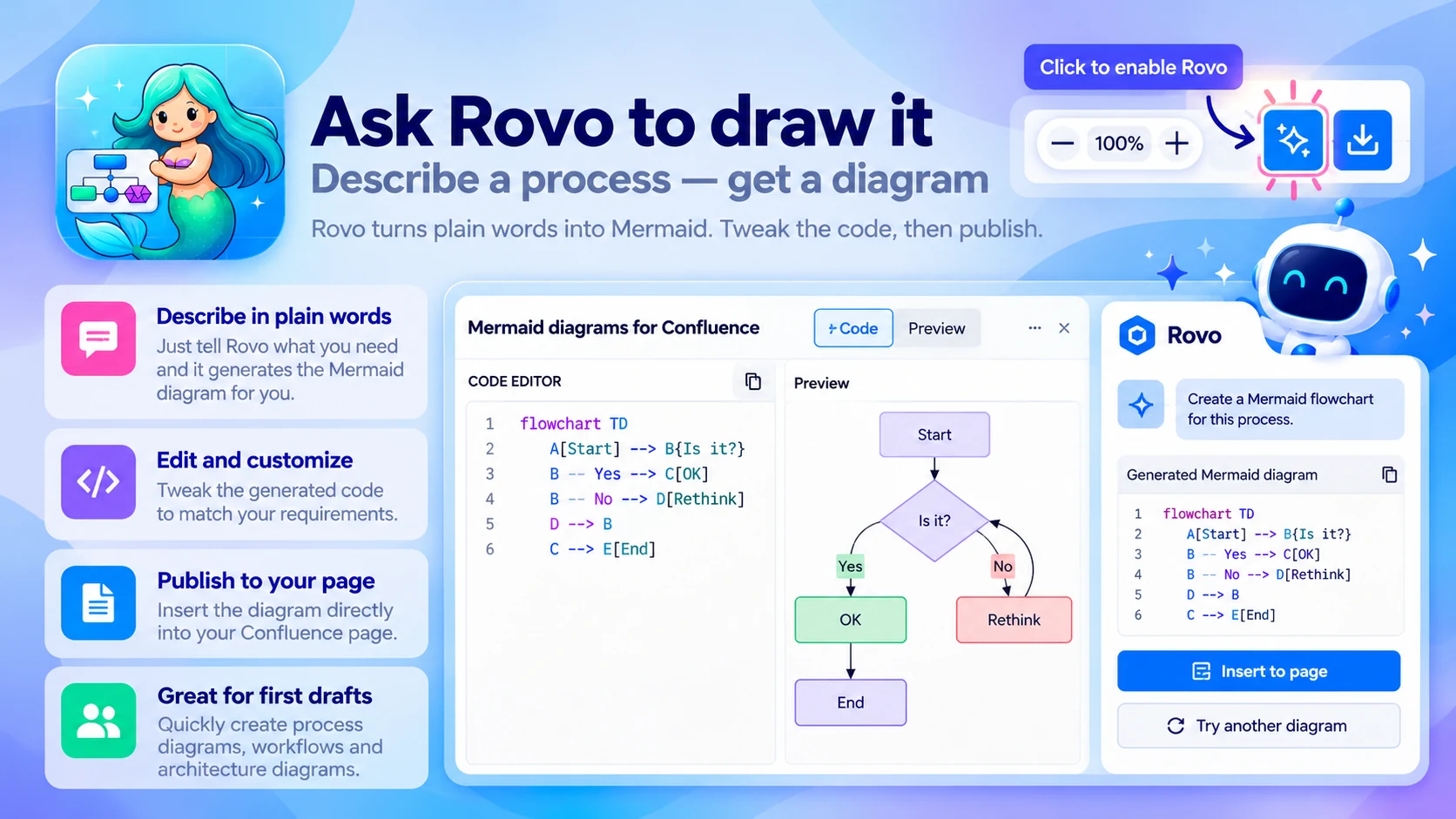
Ask Rovo to draw it
Describe a process — get a diagram:
- Rovo turns plain words into Mermaid
- Tweak the code, then publish
- Great for first drafts of process docs
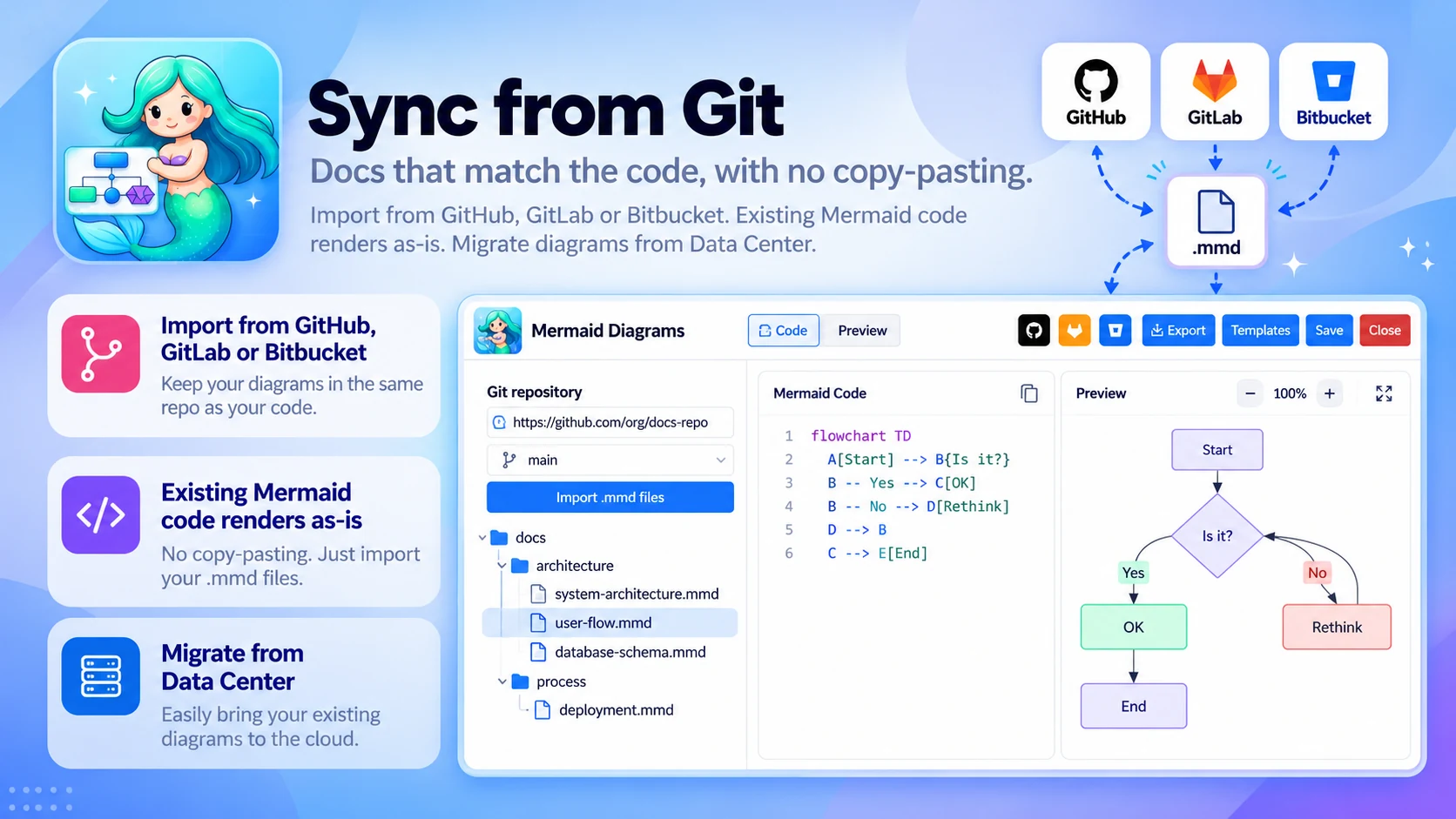
Sync from Git
Docs that match the code, with no copy-pasting:
- Import from GitHub, GitLab or Bitbucket
- Existing Mermaid code renders as-is
- Migrate diagrams from Data Center
Built for
- Engineers
- Architects
- Technical writers who want diagrams that are easy to update
Up and running in three steps
Mermaid Diagrams & Charts installs from the Atlassian Marketplace like any other app — nothing to host, nothing to maintain.
- 01
Get it from the Marketplace
Install it on your Confluence Cloud site from its Atlassian Marketplace listing. It's a free app — no licence, no trial clock, no servers to run.
- 02
Add the Mermaid macro
Write Mermaid in Code mode, build visually in Playground mode, start from a template, or ask Rovo to draft it.
- 03
Render and publish
The diagram renders as you type. Publish the page and edit the text whenever the process changes.
