
Content & Formatting
HTML Macro in Confluence
Embed HTML, CSS directly in Confluence pages
ConfluenceFree app
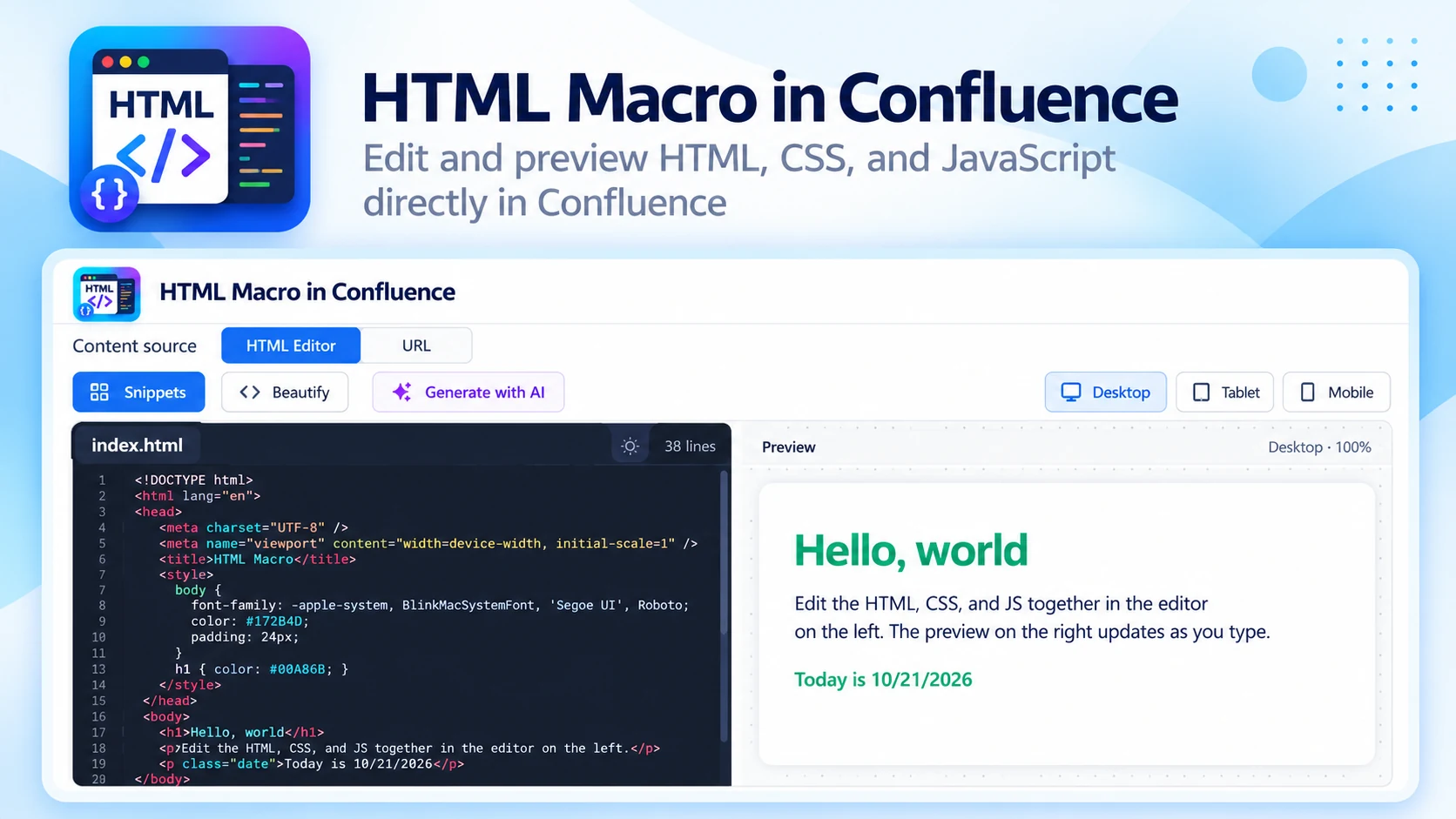
Overview
What HTML Macro does
Add and render custom HTML and CSS directly inside Confluence pages — interactive, responsive and visually rich content without external tools.
01
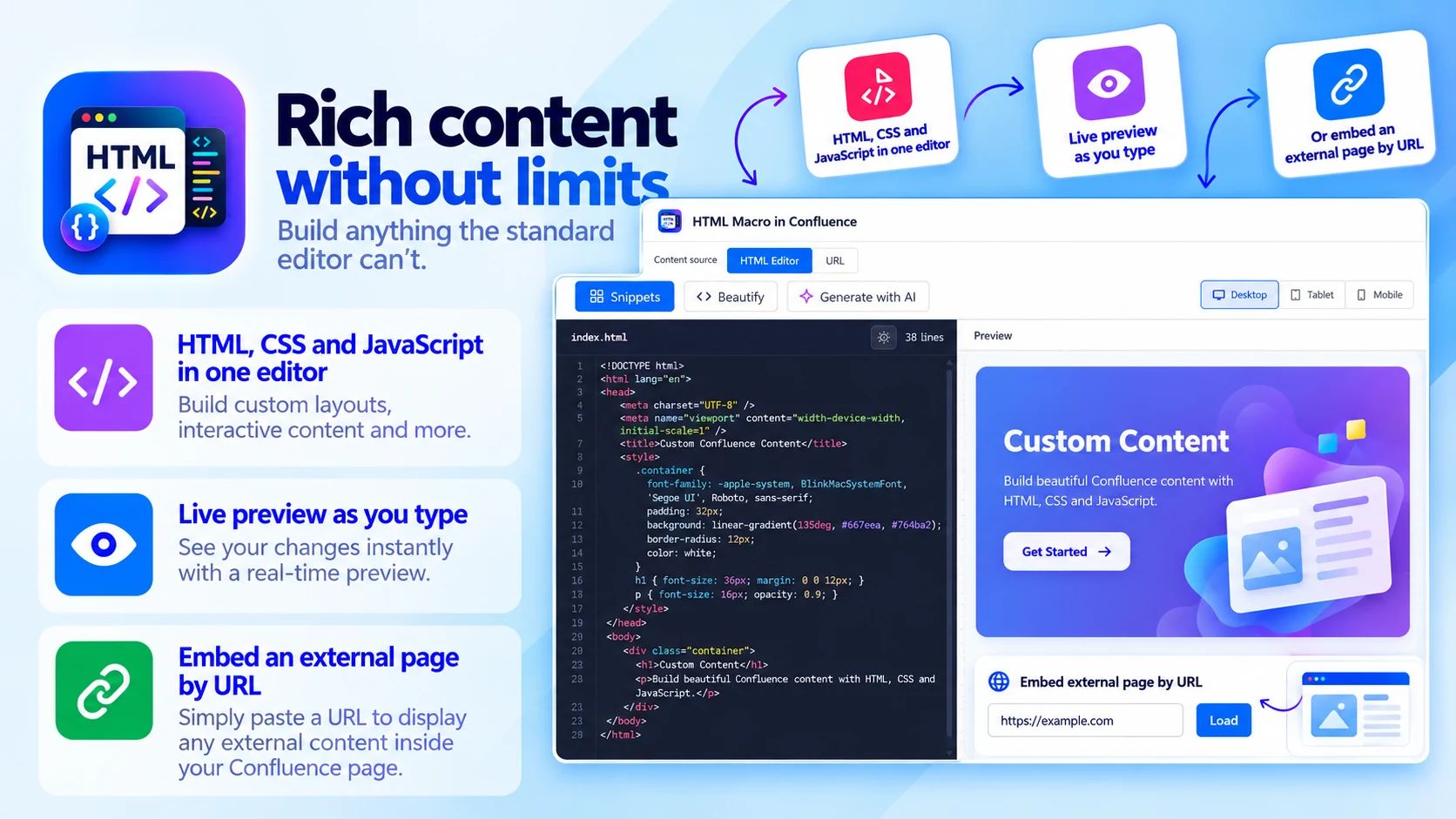
Rich content without limits
Build anything the standard editor can't:
- HTML, CSS and JavaScript in one editor
- Live preview as you type
- Or embed an external page by URL
- Responsive preview at desktop, tablet and mobile widths
02
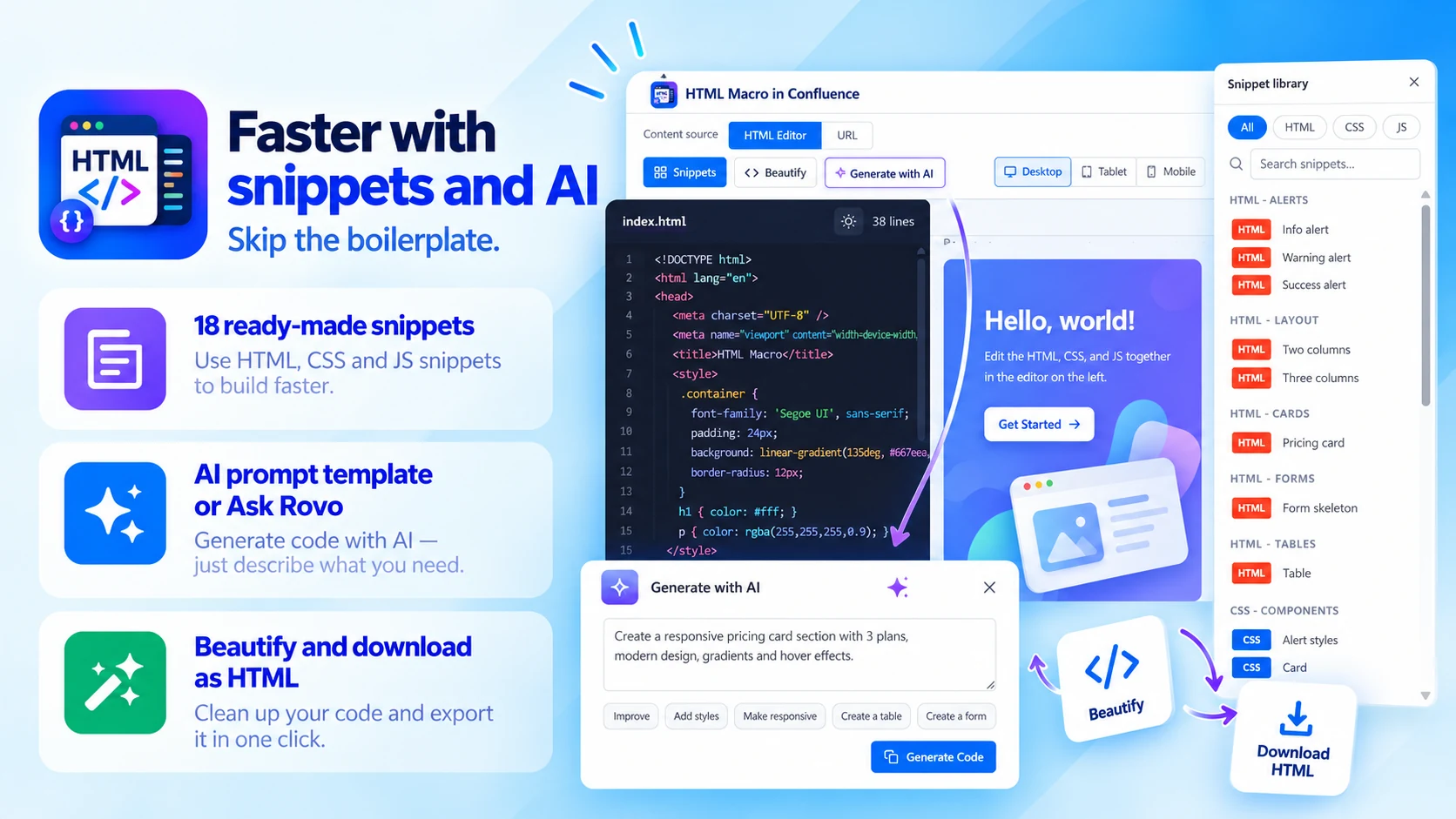
Faster with snippets and AI
Skip the boilerplate:
- 18 ready-made HTML, CSS and JS snippets
- AI prompt template or Ask Rovo
- Beautify and download as HTML
- Dark/light editor theme and line numbers
03
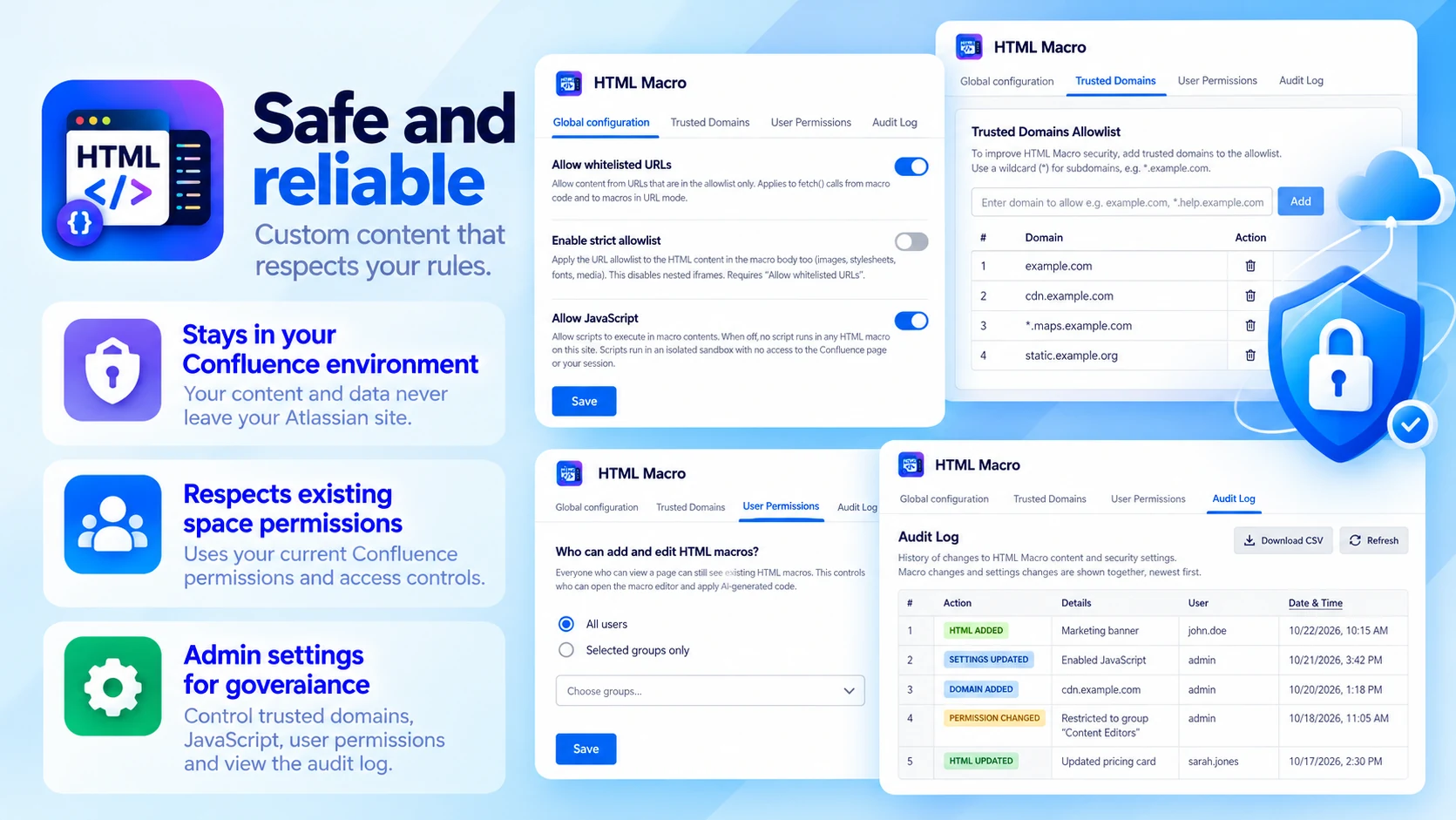
Safe and reliable
Custom content that respects your rules:
- Stays in your Confluence environment
- Respects existing space permissions
- Admin settings for governance
Built for
- Developers creating custom Confluence experiences
- Technical writers enhancing documentation
- Admins and teams building internal portals
How it works
Up and running in three steps
HTML Macro installs from the Atlassian Marketplace like any other app — nothing to host, nothing to maintain.
- 01
Get it from the Marketplace
Install it on your Confluence Cloud site from its Atlassian Marketplace listing. It's a free app — no licence, no trial clock, no servers to run.
- 02
Insert the HTML macro
Add the macro where the custom content belongs on the page.
- 03
Add HTML & CSS, publish
Write your markup and styles, check the result and publish — within your existing space permissions.
