
Cycle Time Tracker
Track time in status, find bottlenecks, boost productivity
 monday.com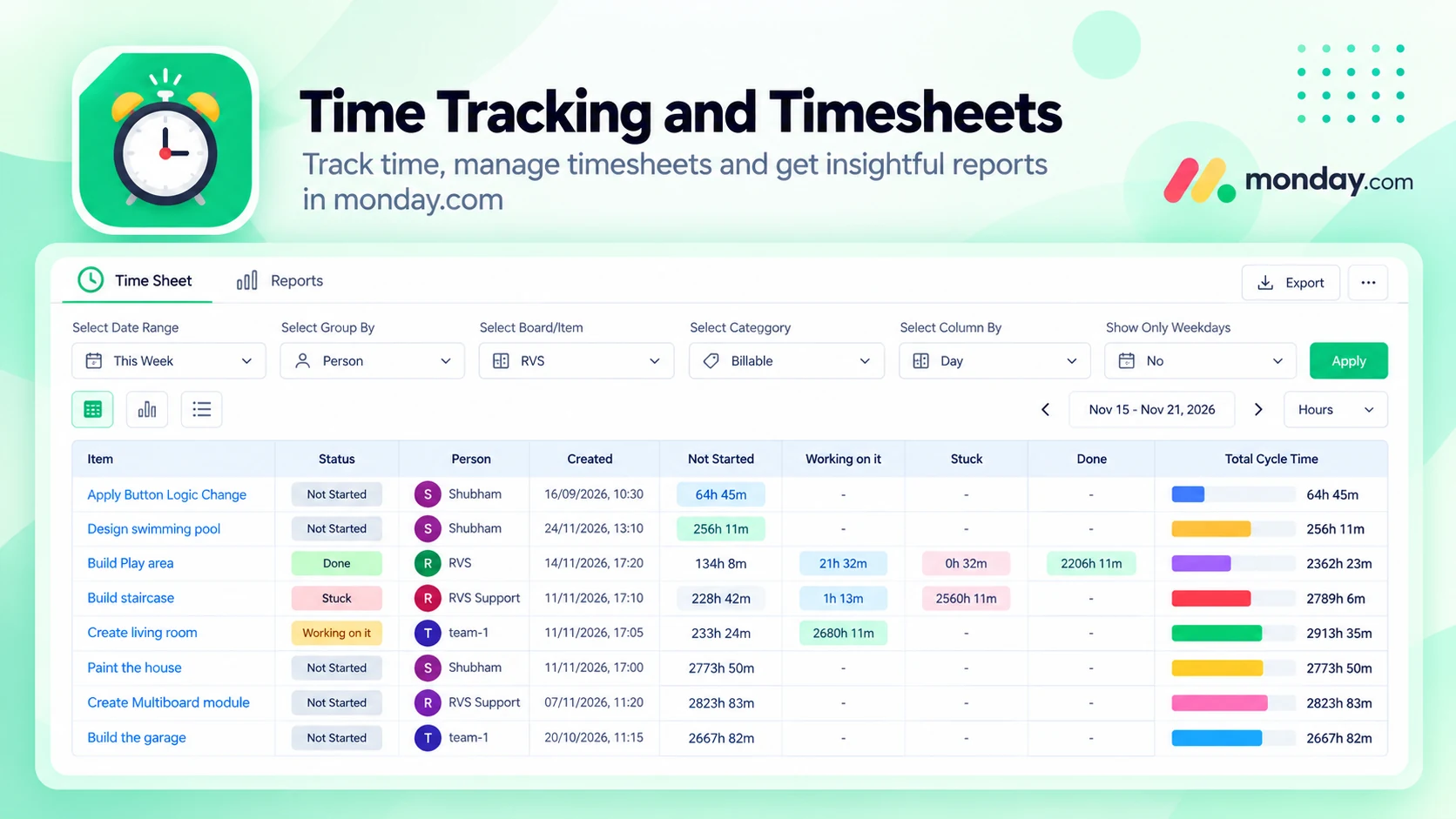
What Cycle Time Tracker does
Understand exactly how long tasks spend in each status on your monday.com boards. Status Time gives you powerful workflow analytics to identify delays, improve cycle time, and optimize team performance.
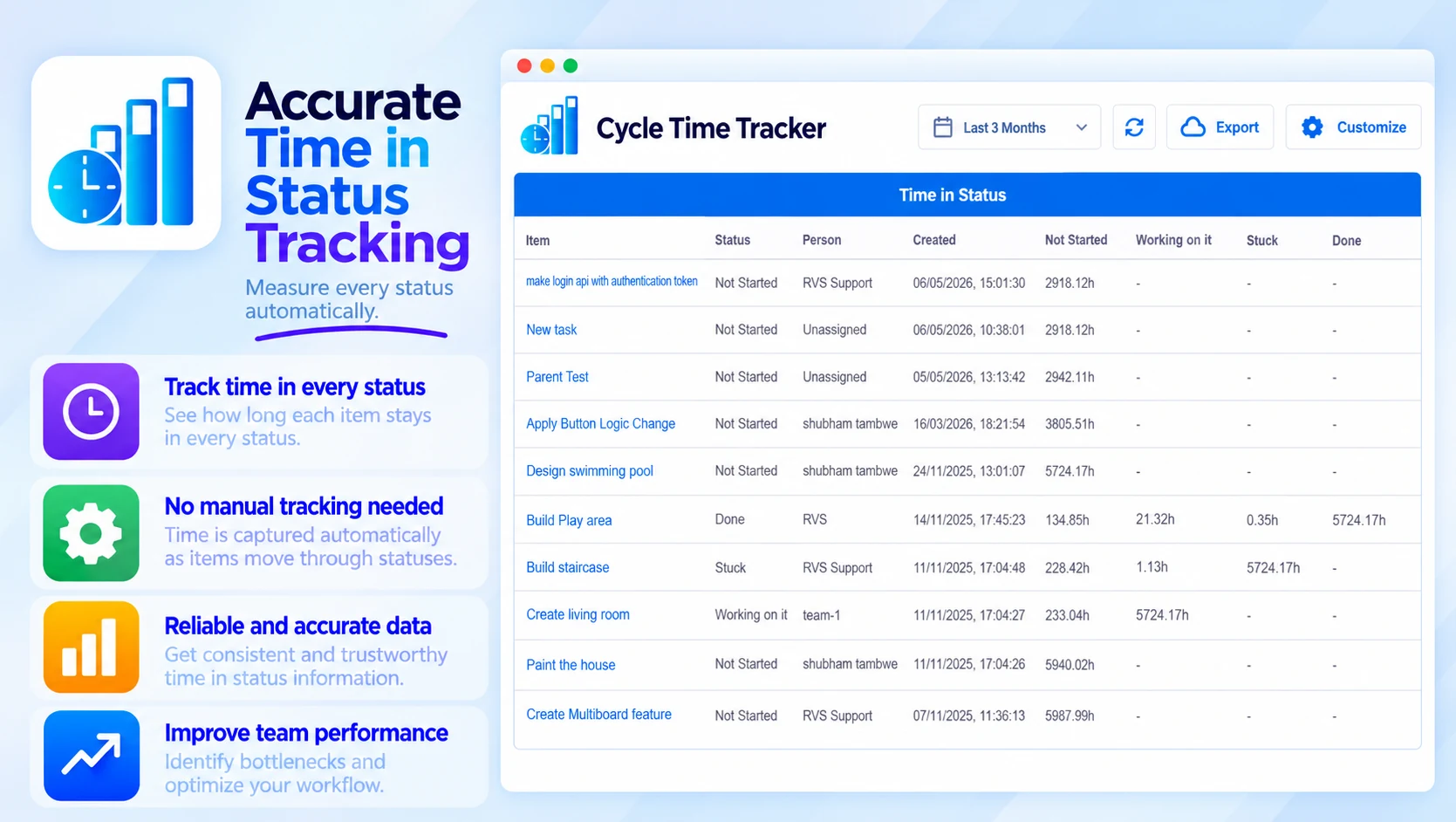
Accurate Time in Status Tracking
Measure every status automatically:
- How long each item stays in every status
- No manual time tracking needed
- Fully automated and reliable
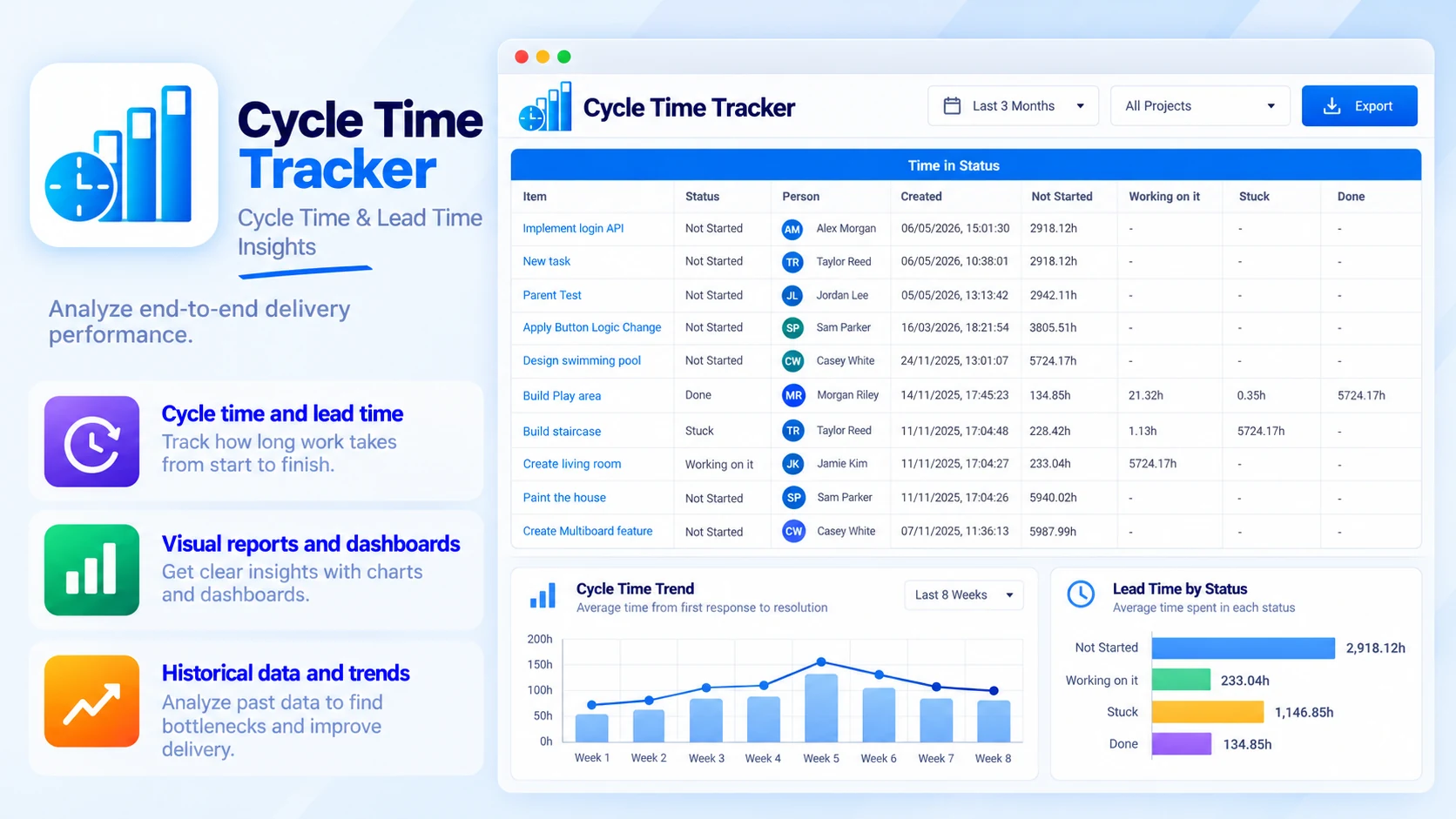
Cycle Time & Lead Time Insights
Analyze end-to-end delivery performance:
- Cycle time and lead time
- Visual reports and dashboards
- Historical data and trends
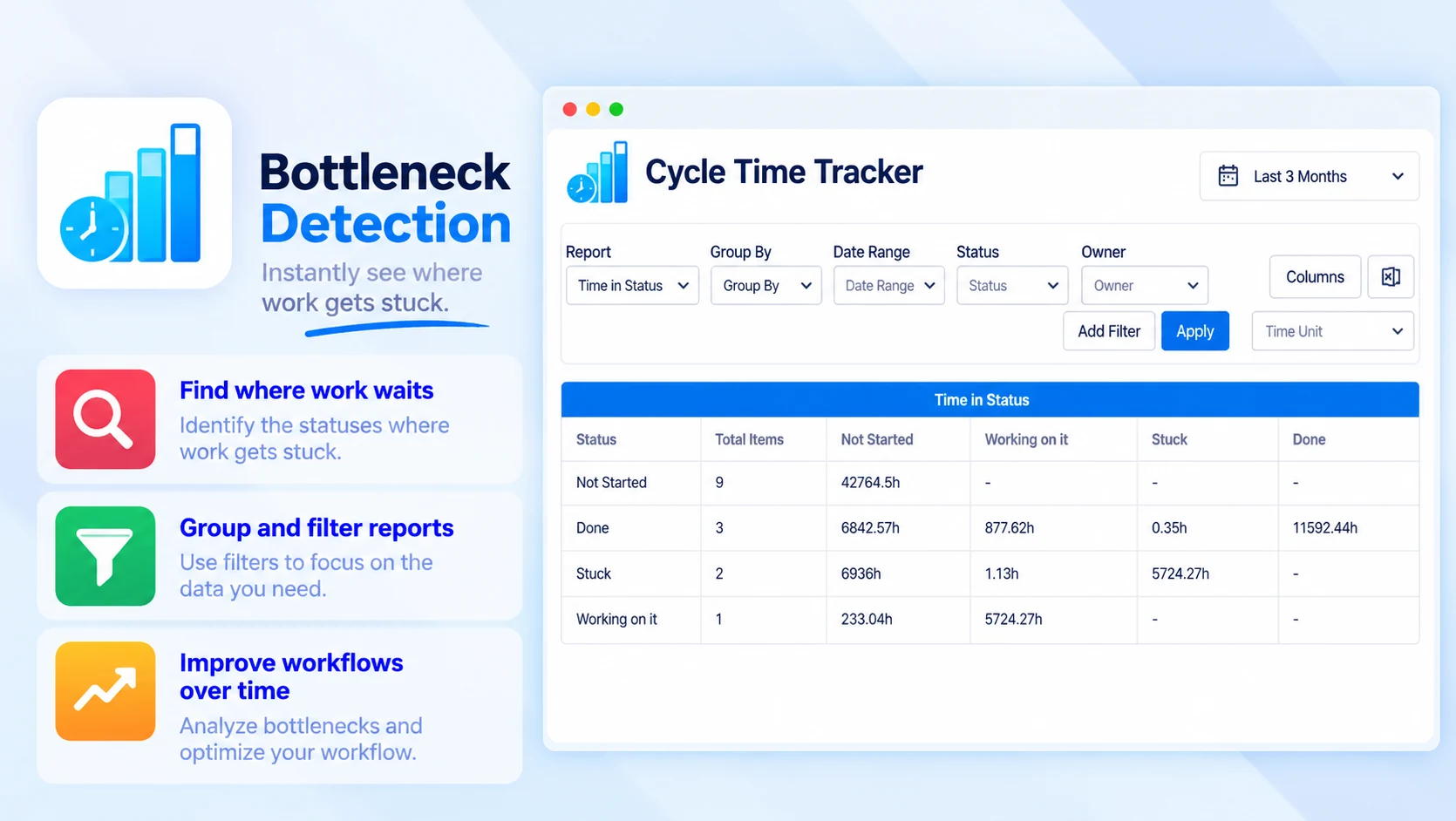
Bottleneck Detection
Instantly see where work gets stuck:
- Find the statuses where work waits
- Group and filter reports
- Improve workflows over time
Built for
- Sprint and delivery performance tracking
- SLA and turnaround time monitoring
- Workflow optimization and process improvement
- Team productivity analysis
Up and running in three steps
Cycle Time Tracker installs from the monday.com Marketplace like any other app — nothing to host, nothing to maintain.
- 01
Install from the monday.com Marketplace
Add the app to your monday.com account from its marketplace listing. It runs inside monday.com, so there is nothing else to set up.
- 02
Use it on your boards
Time in each status is measured automatically — no manual time tracking needed.
- 03
Find the bottlenecks
Analyze cycle time and lead time, see where work gets stuck, and track trends over time.
