
Canvas Blocks — Content Formatting Macros for Confluence
Pivot Table, HTML, Tabs, Dividers, Numbered Headings, Cards, Buttons and more smart content blocks
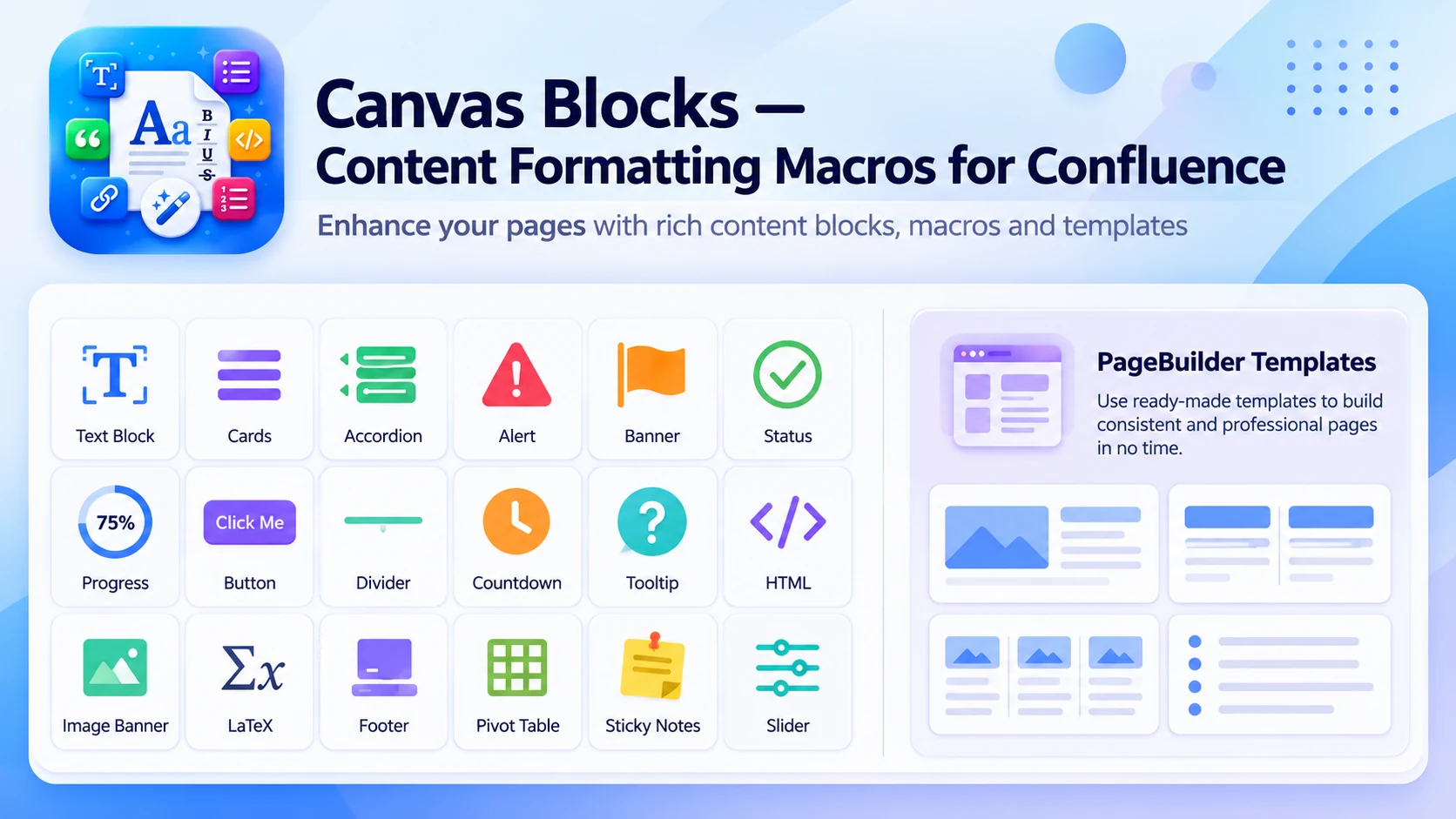
What Canvas Blocks does
Transform plain Confluence pages into structured, professional documentation with 25 ready-made content blocks — no design skills needed.
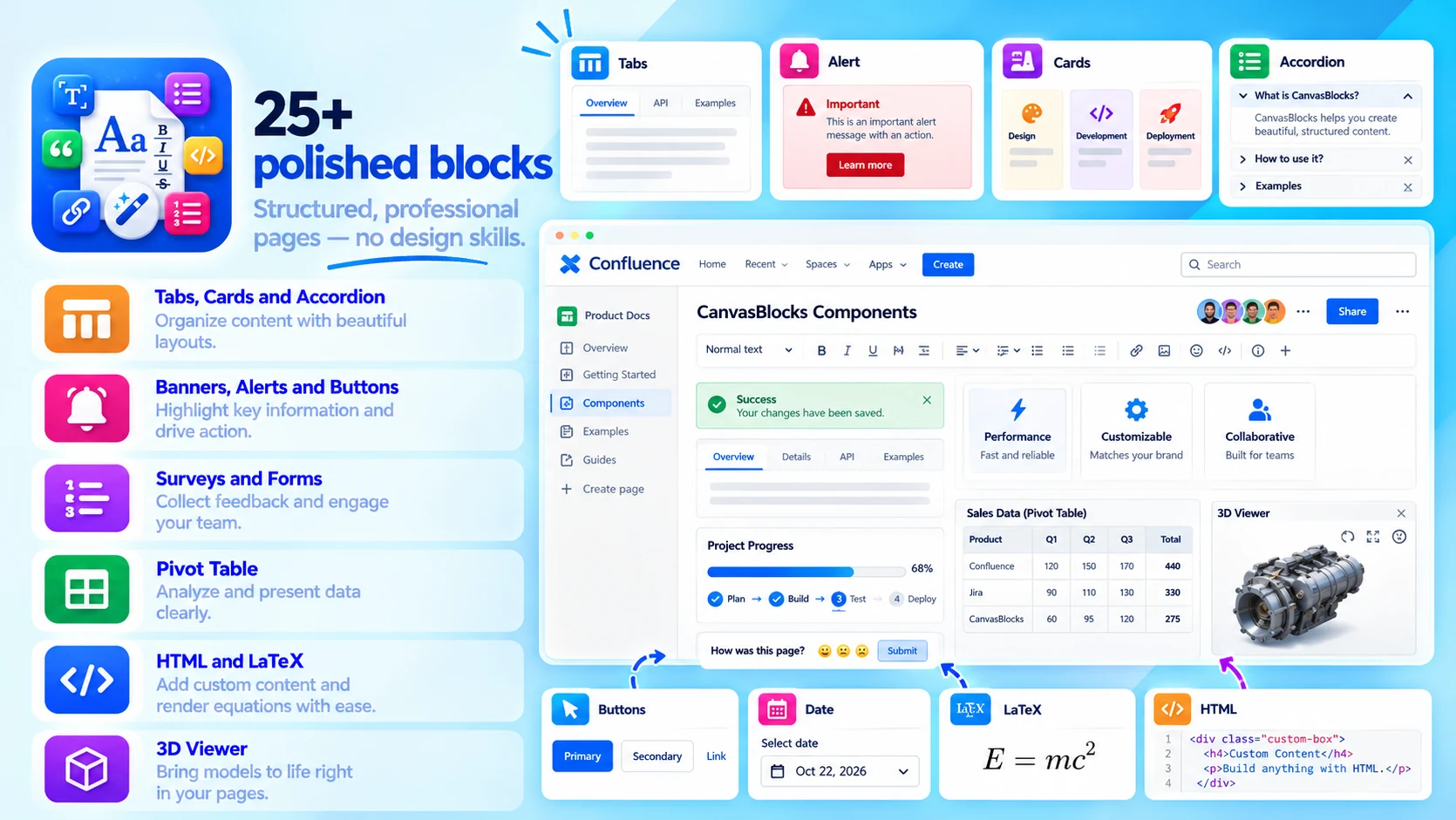
25+ polished blocks
Structured, professional pages — no design skills:
- Tabs, Cards, Accordion and Numbered Headings
- Banners, Alerts, Buttons and Surveys
- Pivot Table, HTML, LaTeX and a 3D Viewer
- New: Pop-up Dialog, BibTeX, Inline LaTeX, Group Buttons, Nestable and Background
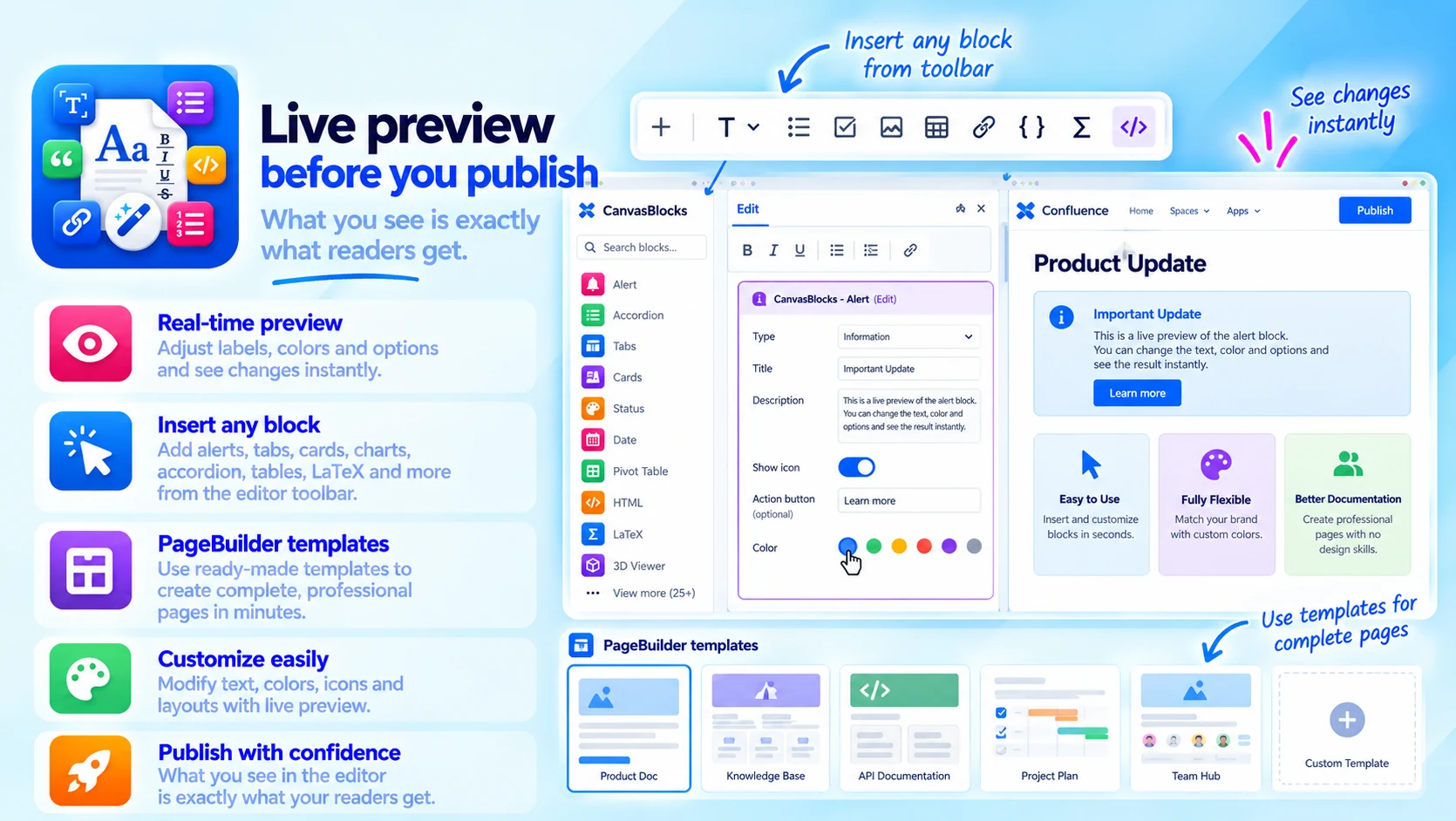
Live preview before you publish
What you see is exactly what readers get:
- Adjust labels, colors and options live
- Insert any block from the editor toolbar
- PageBuilder templates for whole pages
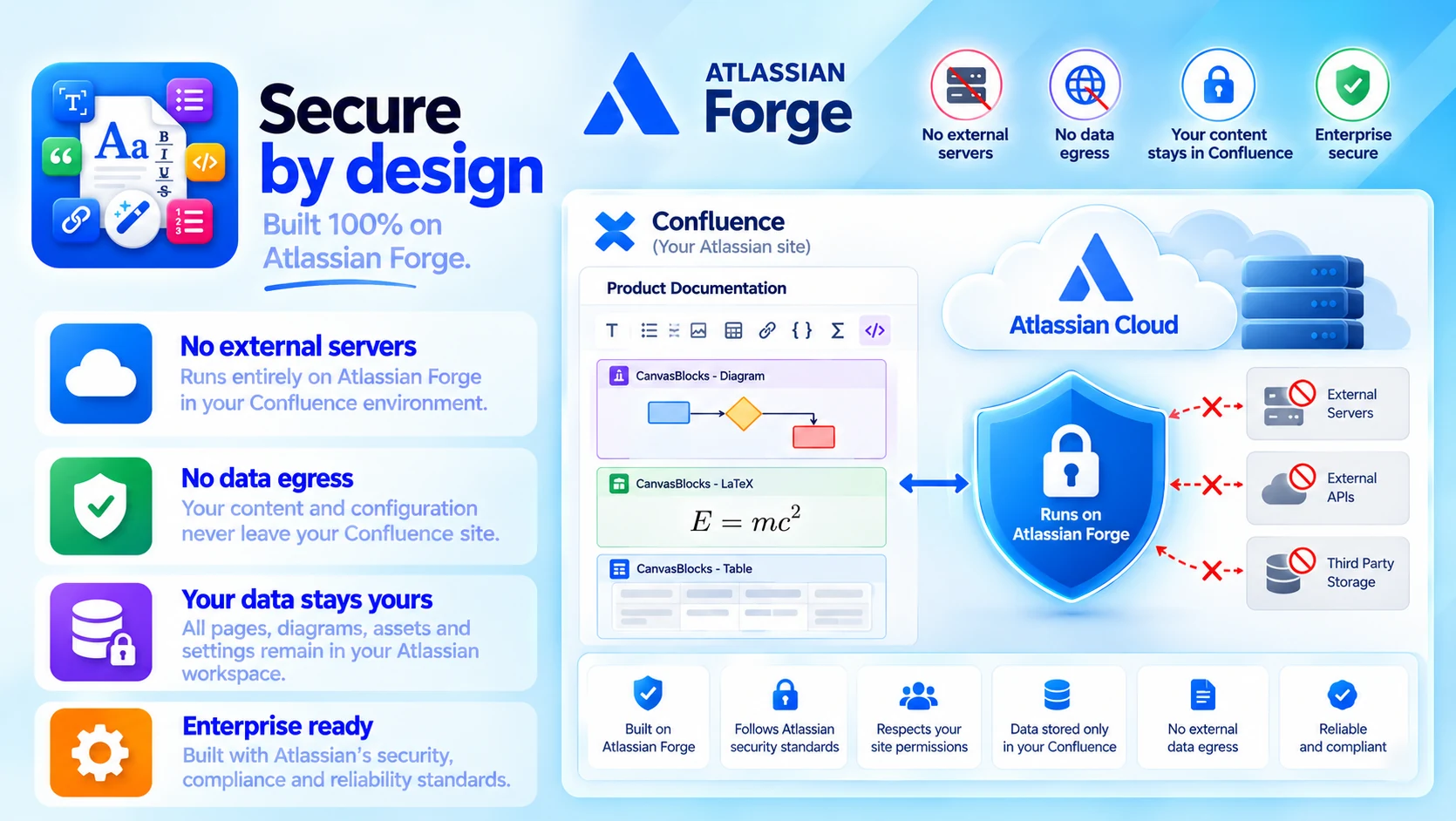
Secure by design
Built 100% on Atlassian Forge:
- No external servers
- No data egress
- Your content stays in your Confluence site
Built for
- Onboarding guides and SOPs
- Knowledge bases and team wikis
- Product docs and release notes
Up and running in three steps
Canvas Blocks installs from the Atlassian Marketplace like any other app — nothing to host, nothing to maintain.
- 01
Get it from the Marketplace
Install it on your Confluence Cloud site from its Atlassian Marketplace listing. It's a free app — no licence, no trial clock, no servers to run.
- 02
Pick a block
Choose any of the 25 blocks — tabs, cards, pivot table, accordion and more — from the editor toolbar.
- 03
Configure and publish
Adjust labels, colors and options with the live preview, then publish.
