Visualize Incident Escalations With Confluence Apps
Learn how teams use Confluence diagram apps to map incident escalation paths, clarify ownership, and document response workflows for faster coordination.
Published
Nov 2, 2026
Topic
Confluence

Clear escalation maps help your team act with confidence when an incident puts pressure on people, systems, and customer communication. Written procedures still matter, but responders need a quick way to see what happens next, who owns it, and when the issue must move higher.
Keeping that visual path in Confluence places it alongside runbooks, contact details, incident policies, and post-incident notes. With Confluence diagram apps, your team can turn a long set of instructions into a shared reference that is easier to scan when every minute feels important.
Map Escalations Before Incidents Create Confusion
An incident response process covers the full work of restoring service. It may include investigation, technical fixes, updates, documentation, and a review afterward. An escalation path is more focused: it shows who takes action when a specific trigger occurs.
Without that shared path, teams can lose time in avoidable ways. Two people may investigate the same issue, a handoff may be missed, or someone may bring in the wrong group before the incident has been assessed. A simple diagram gives everyone one view of the process.
Your escalation map should make these answers easy to find:
- What event starts the escalation process
- Who acknowledges and coordinates the incident
- When a responder must involve another team or leader
- How stakeholders receive updates
- What must happen before the escalation can close
We find that a visual map works best when it stays focused on decisions and handoffs. Technical troubleshooting details belong in linked runbooks, where responders can open them when they need deeper guidance.
Define Triggers, Owners, and Decision Rights
Every useful diagram starts with clear triggers. Your team should agree on the events that require an immediate response or a higher level of attention. Those triggers may include a critical service outage, a security concern, a customer-facing defect, a missed service objective, or a problem the first responder cannot resolve.
Roles should be shown at every stage, not just names. People change roles, take leave, and move between teams. A diagram built around responsibilities stays useful when staffing changes. For example, your map can identify the incident coordinator, technical lead, service desk owner, business communications owner, and security contact.
Decision rights matter just as much as task ownership. When nobody knows who can declare severity or approve a customer update, the team may pause at exactly the wrong moment. Make it clear who has authority to make high-impact decisions.
Consider documenting who can:
- Set or change an incident severity level
- Activate a major incident process
- Engage leadership, vendors, legal teams, or security specialists
- Approve customer-facing communications
- Confirm that an escalation is ready to close
Link each major diagram step to related Confluence pages. A role description, severity guide, communication template, or contact directory can provide the detail without making the diagram crowded.
Build Shared Flows with Confluence Diagram Apps
Confluence diagram apps help your team turn written escalation instructions into a visual flow that is easier to follow under pressure. The map can begin with incident detection, move through triage and severity assessment, then show escalation, communication, resolution, and follow-up.
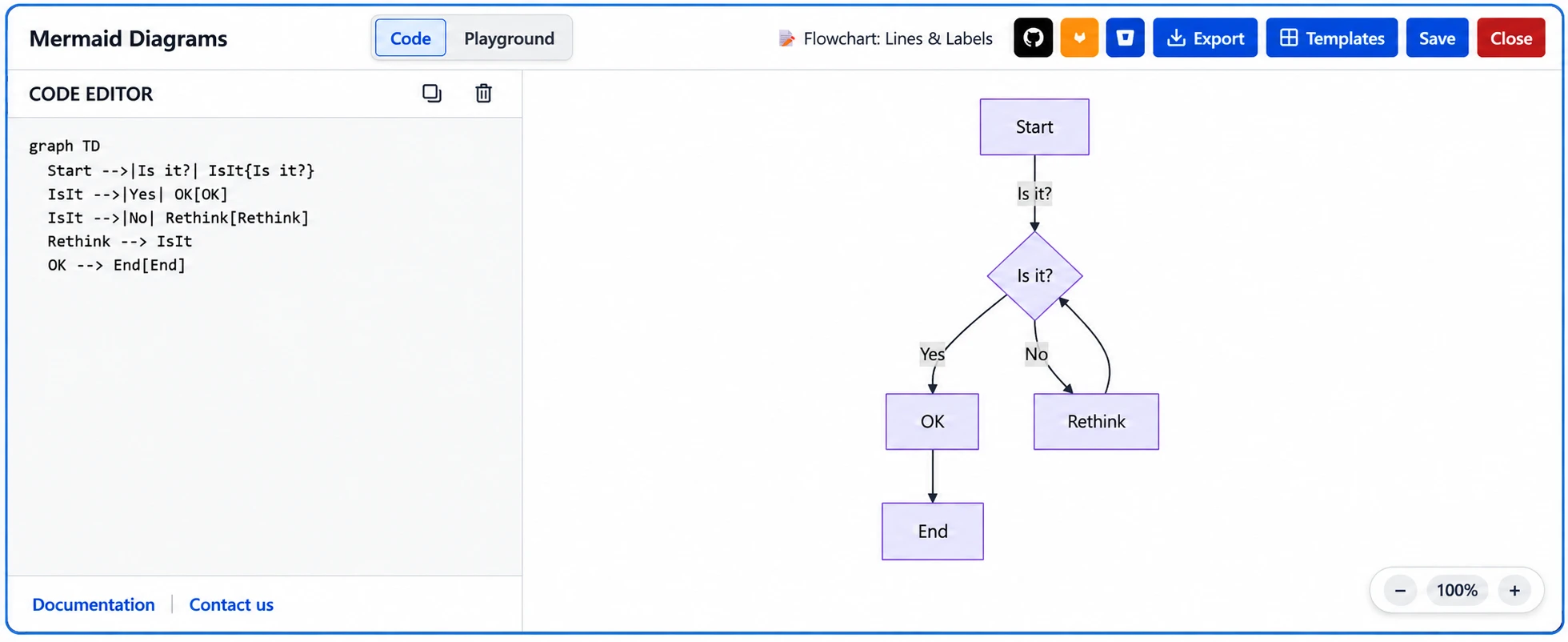
The diagram style should fit the process you are documenting. Flowcharts are useful when responders must choose between several actions. Swimlane diagrams show which team owns each part of the work. Service maps can add context by showing how systems and services connect when an issue affects more than one area.
A decision point might ask whether the incident affects one team, multiple services, customers, or an external partner. From there, the diagram can direct responders toward the right technical group and communication process. Keeping the visual centered on actions helps people avoid getting lost in background information.
Our Confluence-focused app portfolio is part of the broader set of tools teams can explore when improving visual documentation and collaboration. The goal is not to place every instruction inside one diagram. Instead, use the diagram as the clear front door to the supporting guidance your responders need.
Connect the Map to Jira Service Management
If your team uses Jira Service Management for intake, incident records, and service coordination, your Confluence escalation map should reflect the actual path work takes. Alerts, support requests, and internal reports may start in different places, but responders still need to know where the incident is tracked and where they should look for supporting information.
Consistency is especially important for severity language. If Jira Service Management uses priority or impact categories, the Confluence diagram should explain how those categories affect routing, stakeholder updates, and leadership involvement. Shared wording helps prevent one team from treating an issue as urgent while another views it as routine.
Your map can point responders to the places where work and knowledge live, such as:
- Relevant Jira Service Management queues
- Incident records and request types
- Confluence knowledge base articles
- Technical runbooks and troubleshooting guidance
- Approved communication templates
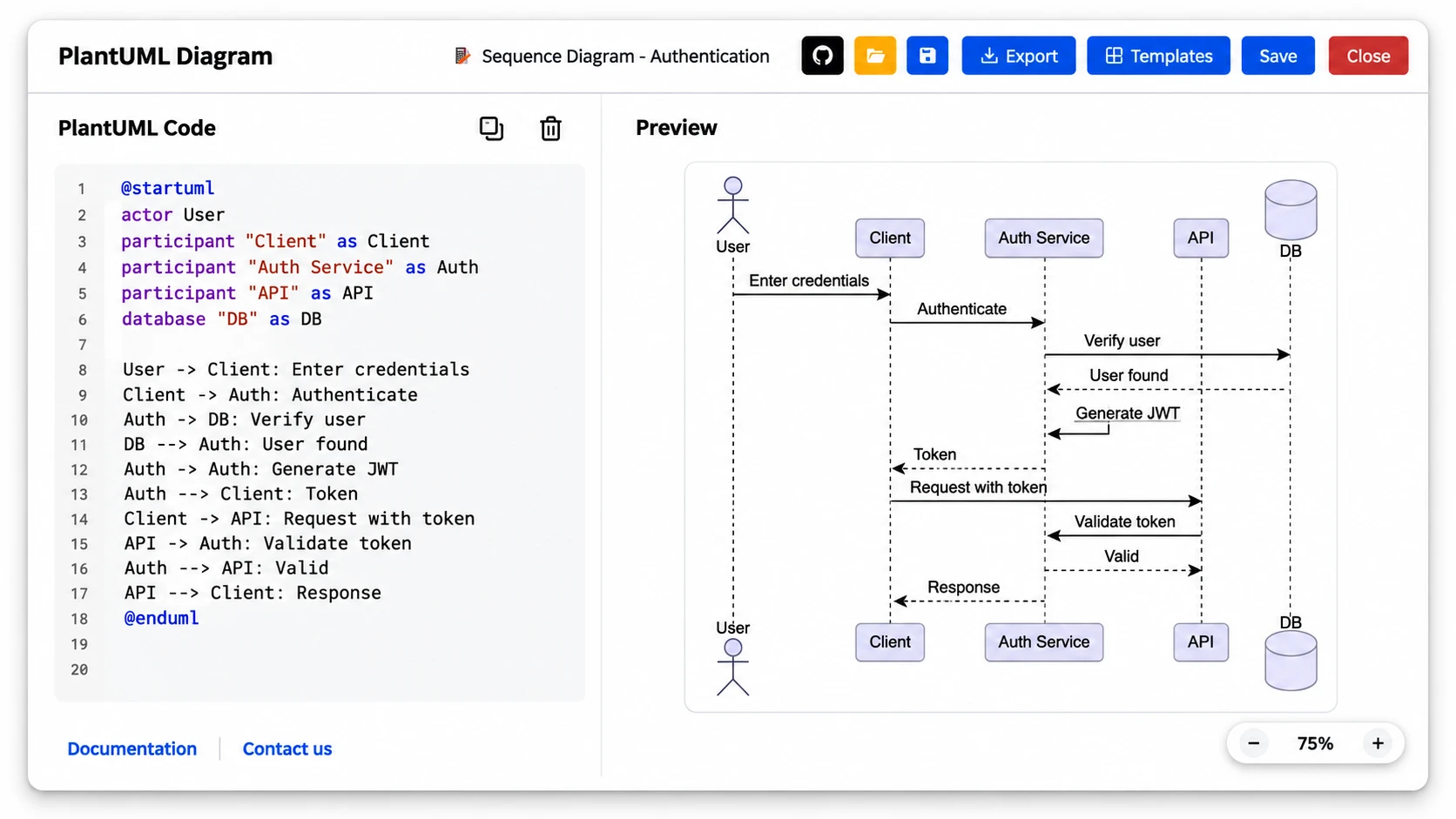
Communication handoffs deserve their own clear steps. The service desk may need to notify engineering, the incident coordinator may need to brief internal stakeholders, and customer-facing teams may need approved information before responding. Showing those moments on the map makes it useful for operations, support, technical teams, and business teams alike.
Keep Escalation Diagrams Ready for Real Incidents
An escalation diagram only helps if it reflects your current teams, services, dependencies, and communication expectations. Review it after organizational changes, new service launches, major incidents, or updates to your incident policies.
Post-incident discussions are a practical source of improvements. Ask whether responders understood the escalation path, whether decision owners were clear, and whether the right people received updates at the right time. Then apply those lessons to both the diagram and the Confluence pages connected to it.
Short tabletop exercises can also expose gaps before a real incident does. Test a few high-impact situations that match your most important services and risks. You may uncover missing contacts, unclear approval points, or a disconnect between technical action and business communication.
Assign one accountable owner for the map, include contributors from the teams involved, and set a regular review cadence. A simple, current diagram gives responders a dependable answer to three urgent questions: what triggered this, who owns the next action, and where can we find the guidance to move forward.
Turn Escalation Maps Into Clearer Team Action
RVS Softek offers Confluence diagram apps that help teams create and maintain visual documentation where their work happens. Our apps support clearer process mapping, shared ownership, and easier access to the details responders need. If you have questions about finding the right fit, contact us to start a conversation with our team.
Written by the team building RVS Softek's apps for Jira and Confluence.
Ask us a questionMore from the blog
Audit-Ready Documentation With Confluence Formatting
Learn how Confluence page formatting apps create clearer, more consistent documentation that helps teams prepare evidence and navigate audits with confidence.
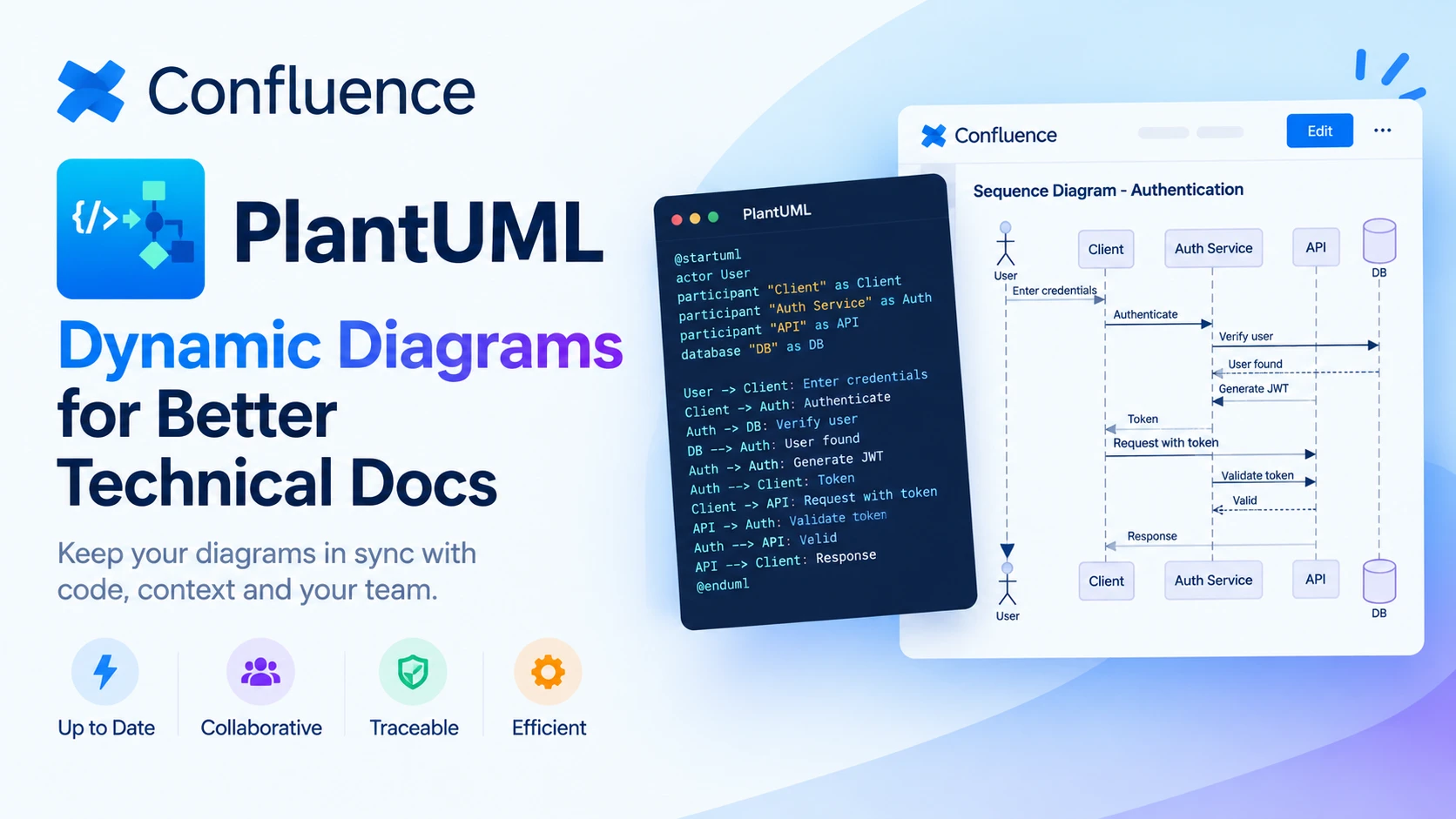
Choosing Dynamic Diagrams for Better Technical Docs
Explore how PlantUML Confluence integration compares with static diagrams, helping technical teams keep documentation accurate, visual and easy to update.
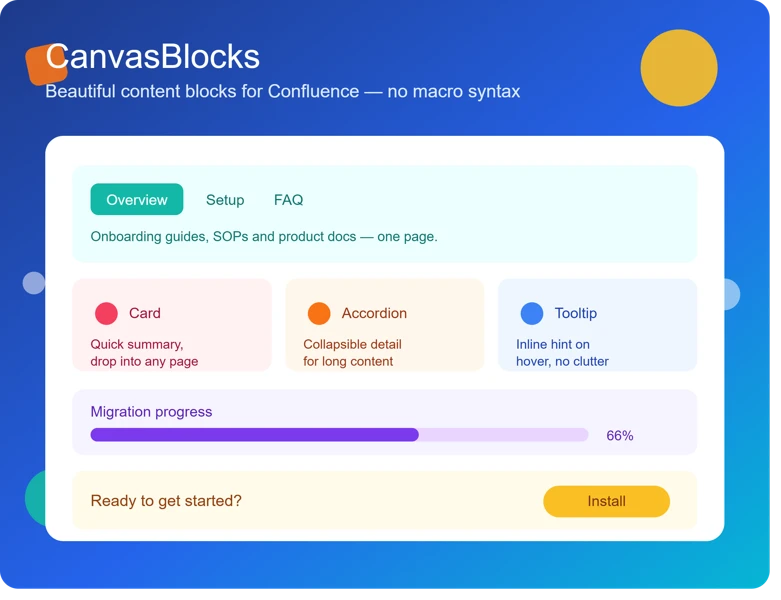
5 Signs Your Confluence Content Needs Formatting Upgrades
Discover the warning signs that signal your team needs Confluence page formatting apps to create clearer, more consistent, and engaging documentation.
Find the RVS Softek app your team needs
Browse the catalogue for Jira, Confluence and monday.com — or install straight from the Atlassian Marketplace and start a free trial in minutes.
- Free trial on every paid app
- Runs on Atlassian
- Support in one business day
18 apps · 2,010+ installs · Runs on Atlassian