
Reduce Status-Chasing With Clear Jira Information
Learn how clear Jira information, shared practices and suitable apps/plugins can improve visibility, clarify ownership and reduce status-chasing.
Published
Oct 26, 2026
Topic
Reports
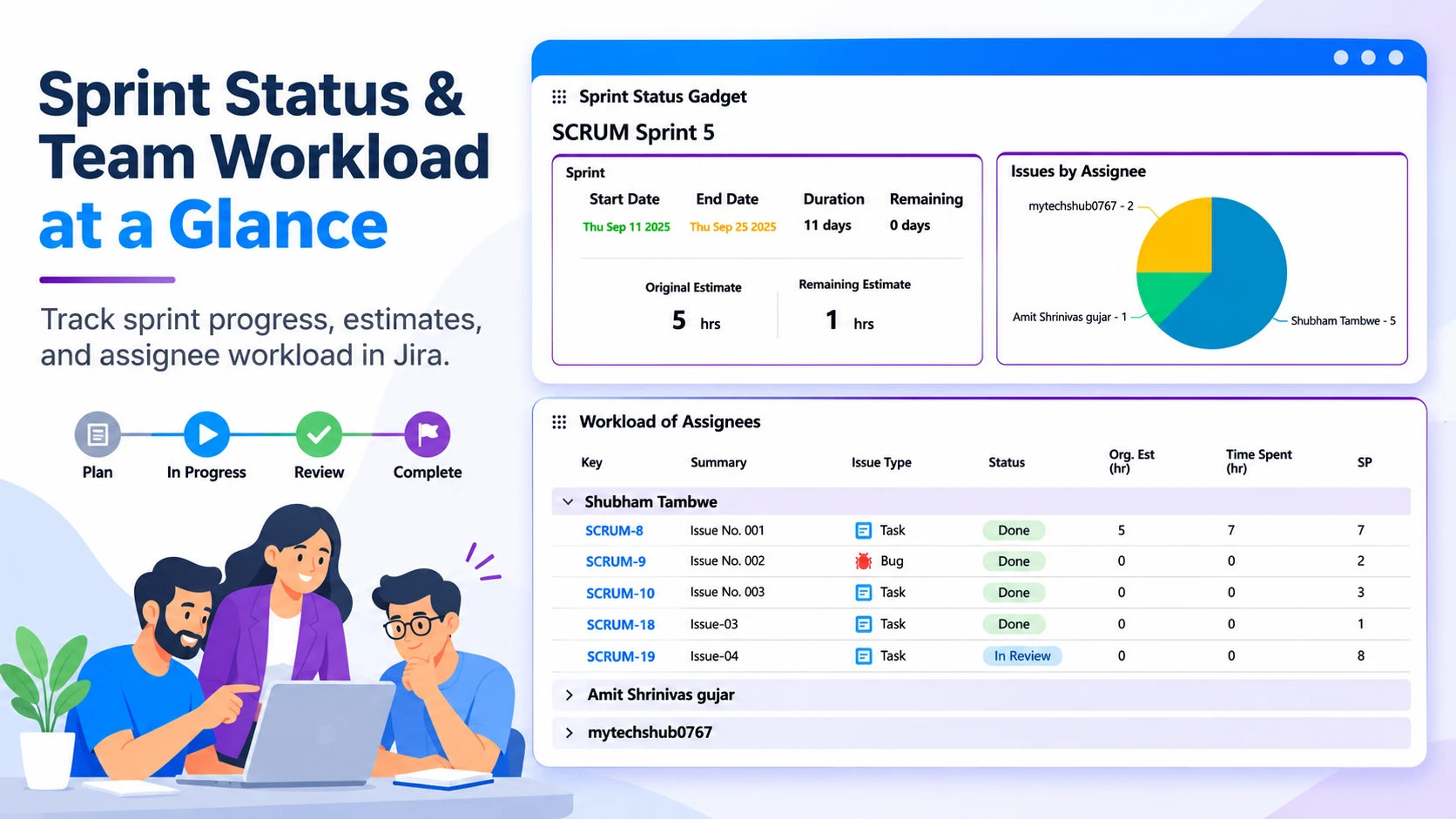
Turn Status-Chasing Into Confident Progress Updates
Clear Jira practices and suitable apps and plugins can reduce the steady stream of "Where are we with this?" messages that slows down delivery work. When ownership is unclear, fields are used differently by each team, and leaders must piece updates together in spreadsheets, Jira stops being a trusted source of progress.
Status-chasing often shows up in familiar ways: repeated update requests, meetings spent finding blockers, and manual summaries built just before leadership reviews. Thoughtful Jira practices make reliable information easier to find, so delivery teams can focus on moving work forward rather than rewriting the same update in several places.
Common warning signs include:
- Leaders relying on manually prepared project summaries
- Teams using the same issue status to mean different things
- Blockers being mentioned in chat but not recorded in Jira
- Contributors being asked repeatedly who owns the next action
- Stakeholders seeing a long issue list but no clear delivery picture
Useful Jira practices start with the decisions people need to make. Workflows, fields, permissions, dashboards and integrations should answer useful questions clearly, without turning every Jira issue into a reporting exercise.
Design Workflows That Make Ownership and Next Steps Clear
A workflow should reflect how work actually moves through your organisation. If an issue sits in a vague status such as "In Progress" for too long, people are left guessing whether it is being built, waiting for approval, blocked by another team or ready for review.
Meaningful statuses and clearly defined transitions can help. Each stage should show what is happening, who is responsible and what needs to happen next. A request may move through triage, delivery, review and completion, for example, but the names and handovers should match the way your teams work.
Better issue setup also reduces missing context at the start. Required fields, issue templates and structured request types can capture the details that make work easier to understand, including:
- Priority and business impact
- Dependencies on other work or teams
- Approval needs
- Known blockers or risks
- The person responsible for the next step
Automation can support this structure by assigning routine work, sending reminders and notifying the right people when an issue moves forward. Human oversight remains important where judgement matters, while Jira can handle predictable follow-ups that otherwise fill inboxes and chat channels.
Give Each Audience a Useful View of Delivery Work
Not everyone needs the same Jira view. Delivery teams need a practical backlog that helps them decide what to do next. Programme leaders may need a wider view of priorities, risks, dependencies and work in progress. Giving both groups the same crowded dashboard often leaves neither with what they need.
Role-based dashboards, saved filters and carefully planned permissions can make Jira feel much simpler. Teams can organize views around a person's responsibilities, rather than expecting them to search through every project, field and issue type in the system.
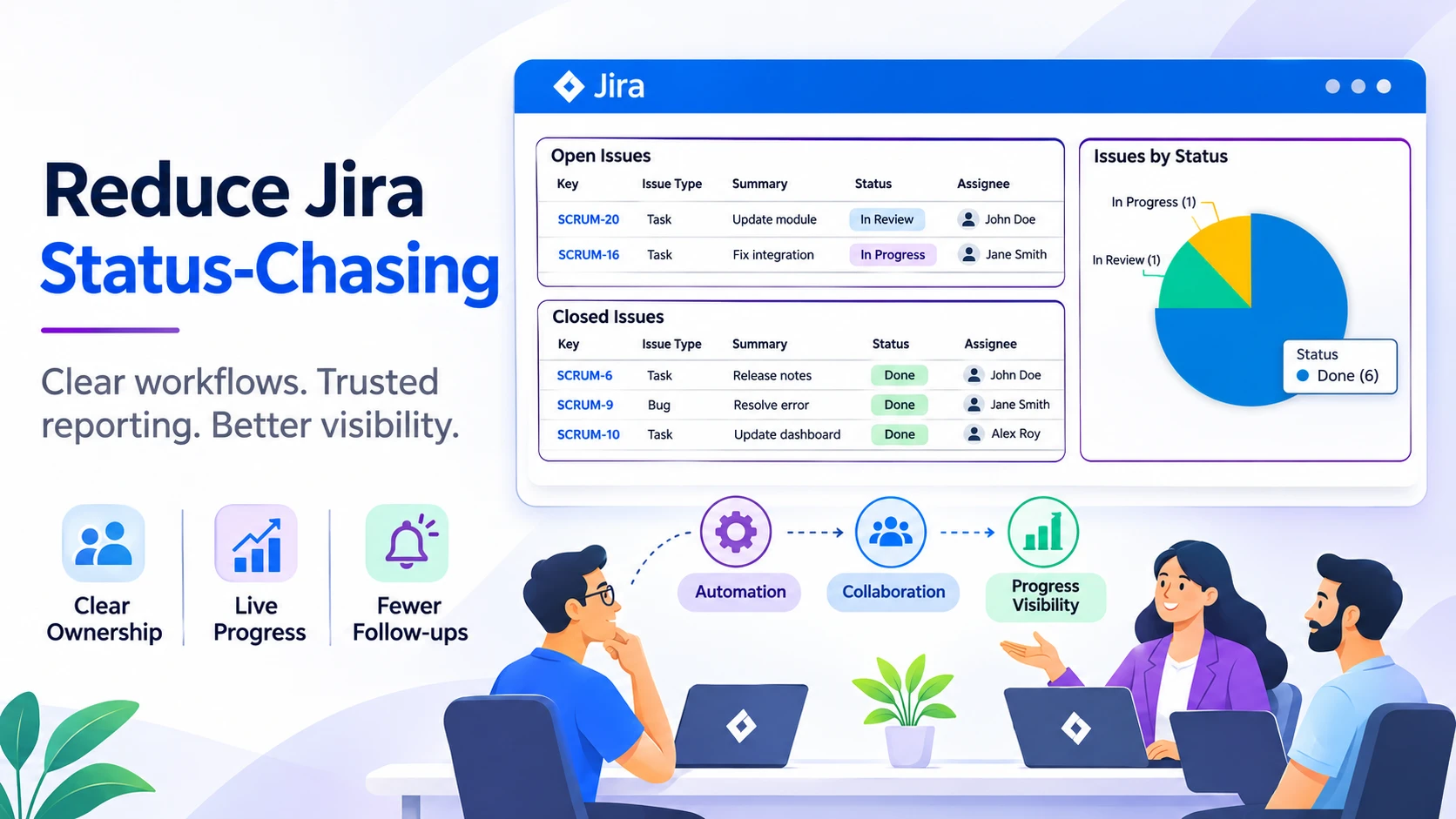
Consistency matters just as much as presentation. When teams agree on labels, priorities, components and issue types, leadership reports become easier to trust. A report should not trigger a debate about what "high priority" means or whether two teams are using the same label for different work.
Useful reporting starts with shared definitions. Before building another dashboard, organisations can agree on the few signals that show progress, risk and ownership in a clear way. That creates a common language for delivery conversations and removes much of the detective work from project updates.
Connect Jira Information Across the Tools Teams Use
Status-chasing grows when project information is scattered. A decision may live in a chat thread, supporting detail may sit in Confluence, a service request may be in Jira Service Management, and delivery work may be tracked in Jira or monday.com. People then spend time checking several places before they can give a simple answer.
Clear rules about where information belongs can help. Teams can decide where delivery work is tracked, where decisions are recorded, where supporting documentation lives and where stakeholders should look for progress.
At RVS Softek, we build apps for Jira, Confluence, Jira Service Management and monday.com that support planning, reporting, documentation, visualisation and collaboration in the tools your teams already use. The aim is not to create another place to maintain updates. It is to make the right information visible in the right working context.
Before adding an integration or app, map four things:
- Where an update begins
- Who needs to see it
- Which tool should display it
- Who owns keeping it accurate
This simple map can prevent duplicate data, conflicting updates and confusing handovers.
Govern Jira Practices Without Creating Complexity
Jira practices need governance to stay useful as teams and projects grow. Without shared standards, it is easy to collect near-duplicate workflows, unused fields and dashboards that nobody trusts. More configuration does not always mean more clarity.
Organisations can document workflow ownership, field standards and naming conventions. Teams should know who can approve changes, why a field exists and whether a workflow is still supporting real delivery work. This gives administrators a clearer basis for making changes without disrupting teams.
Regular reviews are equally helpful. Look for fields that are rarely used, duplicate workflows, outdated dashboards and reports that no longer match current priorities. The goal is adoption and clarity, not customisation for its own sake.
Decisions about workflows, fields, permissions and reporting work best when delivery teams, leaders, service teams and Jira administrators all have a voice. Each group sees different gaps, and bringing those views together supports both day-to-day work and business visibility.
Prepare Jira for Clearer Q4 Planning
Late October is a sensible time to look at the status questions your teams hear most often. Start small: choose one workflow, one team or one leadership dashboard, then trace the information gap behind the repeated question. A focused improvement is easier to test, understand and adopt than a large redesign.
The goal is not to remove useful conversations. It is to replace avoidable status-chasing with trusted project information that people can find when they need it. Clear ownership, shared reporting definitions and useful views give teams more room to discuss decisions, priorities and real delivery challenges.
Make Jira Reporting Easier To Trust
At RVS Softek, we build Jira and related work-management apps and plugins that support planning, reporting, documentation, visualisation and collaboration. If you would like to enquire about RVS Softek apps or plugins, contact us to speak with our team.
Written by the team building RVS Softek's apps for Jira and Confluence.
Ask us a questionMore from the blog
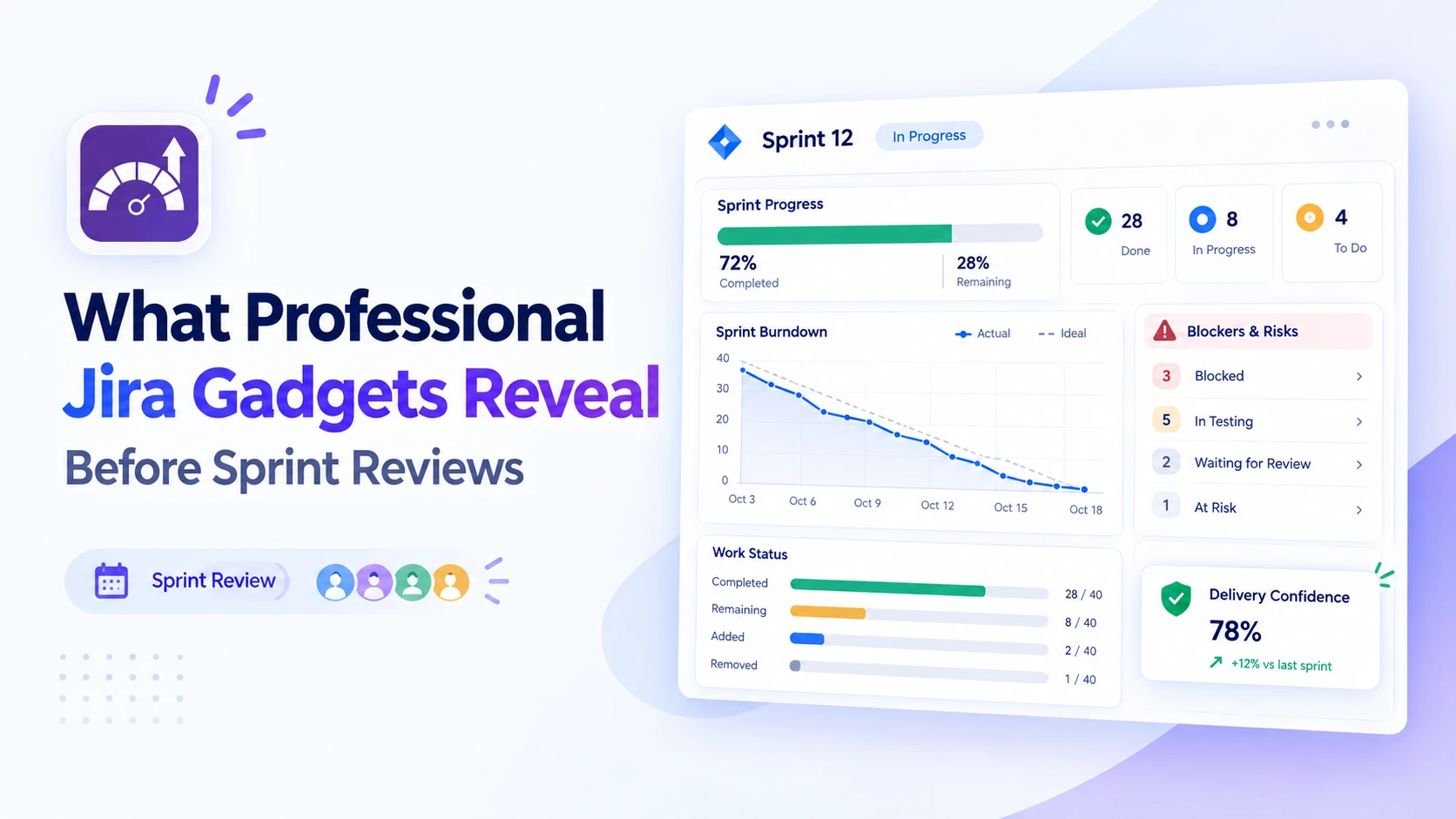
Prepare Better Sprint Reviews With Jira Insights
Discover how professional Jira gadgets surface sprint progress, blockers and delivery trends, helping teams arrive at reviews with clearer, actionable insights.
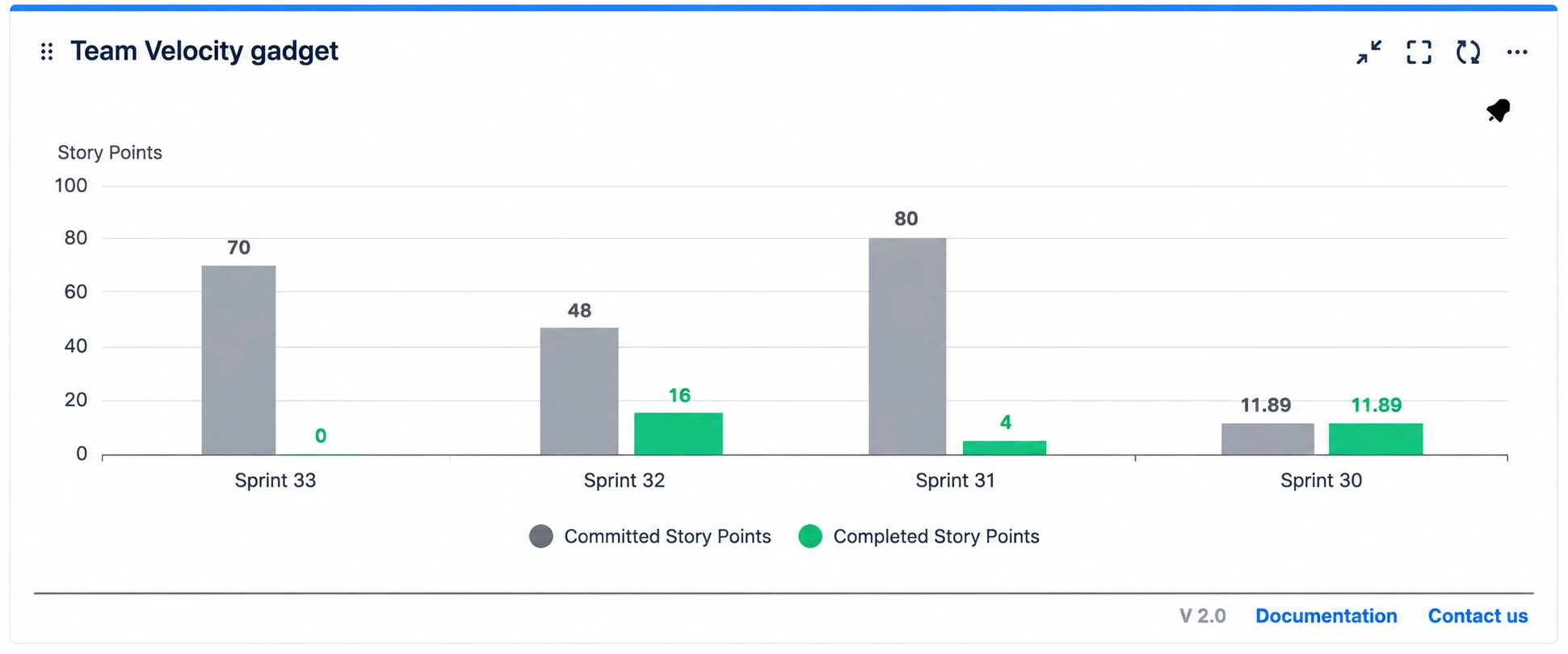
Sprint Reviews: Jira Dashboards or Spreadsheets?
Compare Jira reporting dashboard tools with spreadsheets for sprint reviews. See which option gives agile teams clearer, faster insights and better decisions.
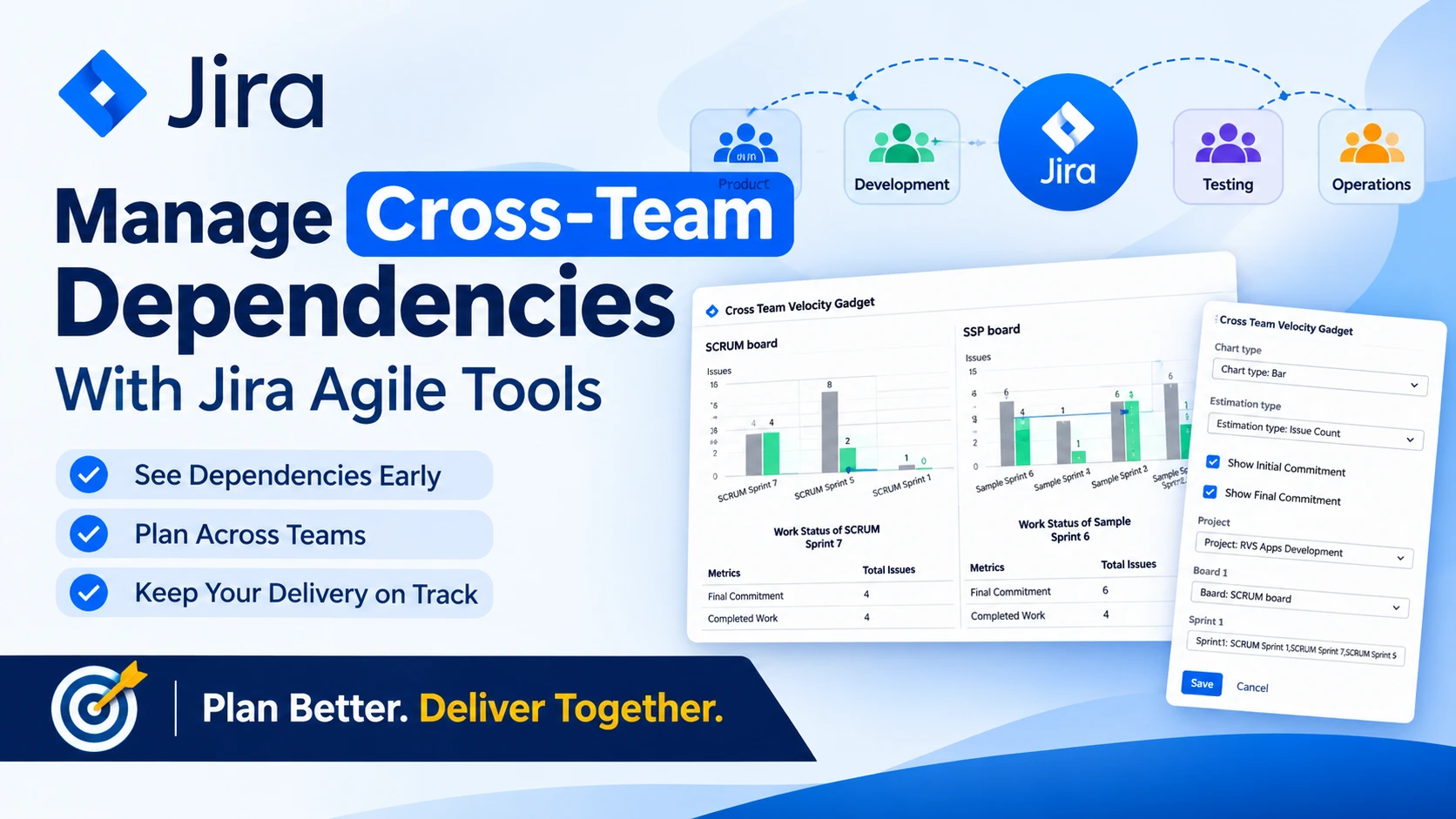
Manage Cross-Team Dependencies With Jira Agile Tools
Explore how Jira Agile planning tools help teams map cross-team dependencies, align priorities and improve coordinated delivery across complex projects.
Find the RVS Softek app your team needs
Browse the catalogue for Jira, Confluence and monday.com — or install straight from the Atlassian Marketplace and start a free trial in minutes.
- Free trial on every paid app
- Runs on Atlassian
- Support in one business day

18 apps · 2,010+ installs · Runs on Atlassian